
How to Give Paid Members Vouchers That Unlock After 30 Days
How to Give Paid Members Vouchers That Unlock After 30 Days
What Is This?
Membership vouchers arrive the moment a customer joins. Lock them until day 30 to bring members back a month later.
Quick answers for a RM500 package:
- Credits on joining: the membership itself adds no credits, apart from any referral bonus. Top up the RM500 yourself in Admin Panel → Wallet Management → Top Up Credits.
- Vouchers after 30 days: vouchers arrive when the membership starts. Add a delay so they unlock on day 30.
- Voucher into credits: not possible. Using a voucher never adds credits. Make it worth RM50 off the bill instead.
Real-Life Example
Farah runs a café and sells a RM500 Bronze package. She wants members to wait a month before using their RM50 vouchers. She sets the voucher to unlock after 30 days and adds it to the package. Ahmad buys the package, and Farah tops up RM500 credits for him. His voucher appears at once, locked. A month later he comes back to use it and orders lunch.
How to Set It Up
-
Go to Admin Panel → Loyalty Program → Rewards and click Edit on your voucher.
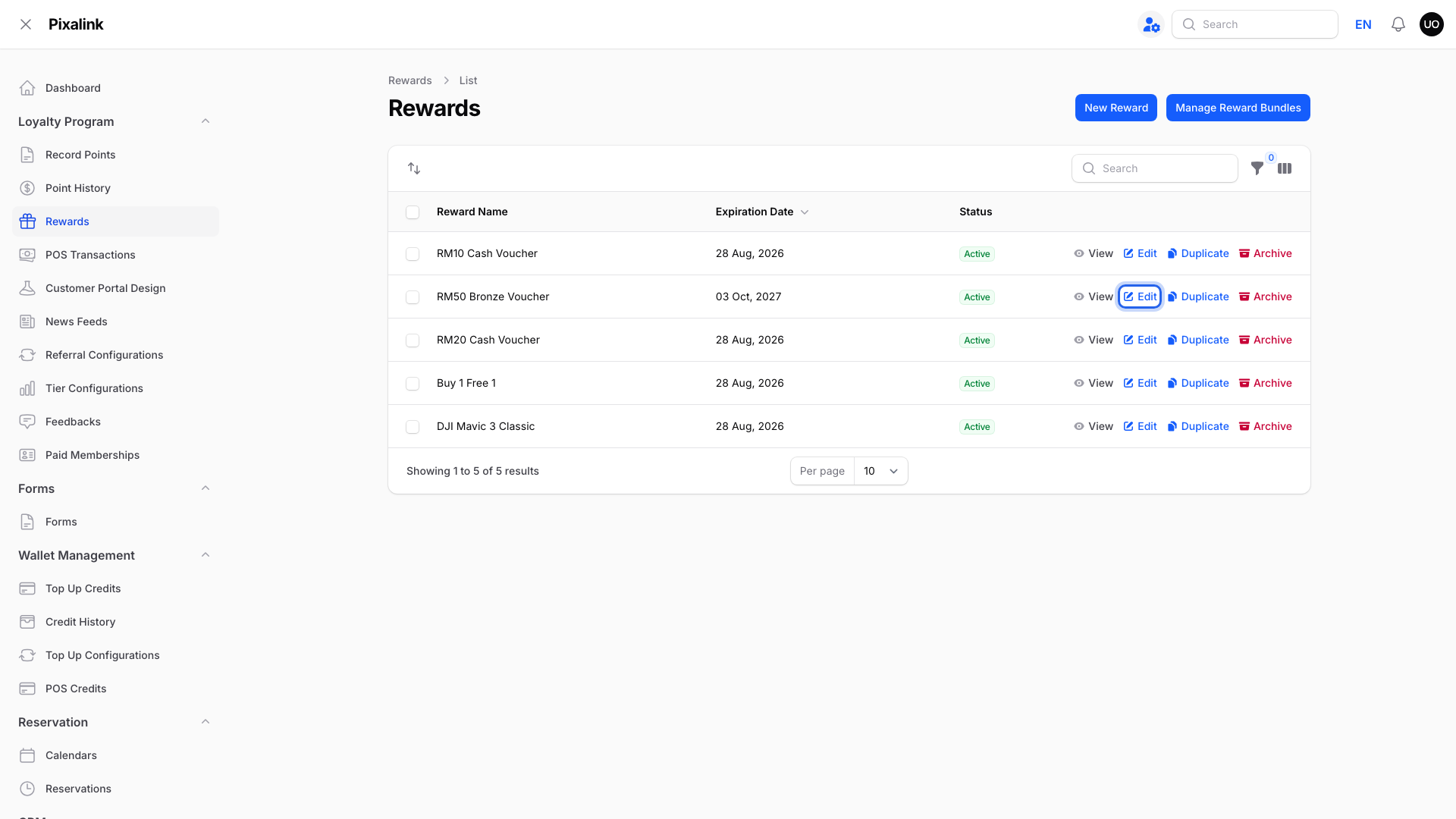
Only 0-point vouchers can go on a membership.
-
Click the Settings tab.
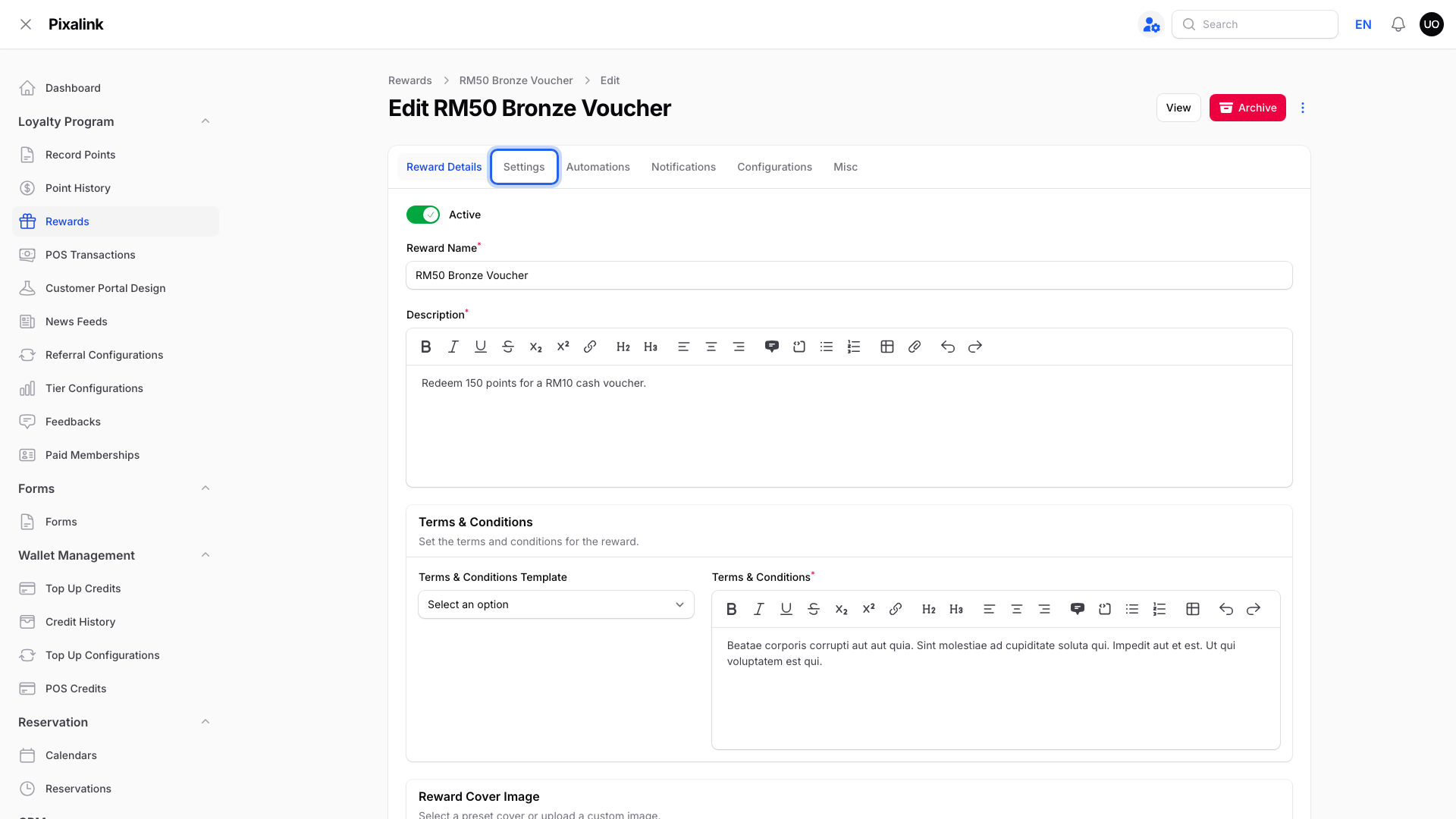
It is the second tab.
-
Turn on Delay Voucher Activation.
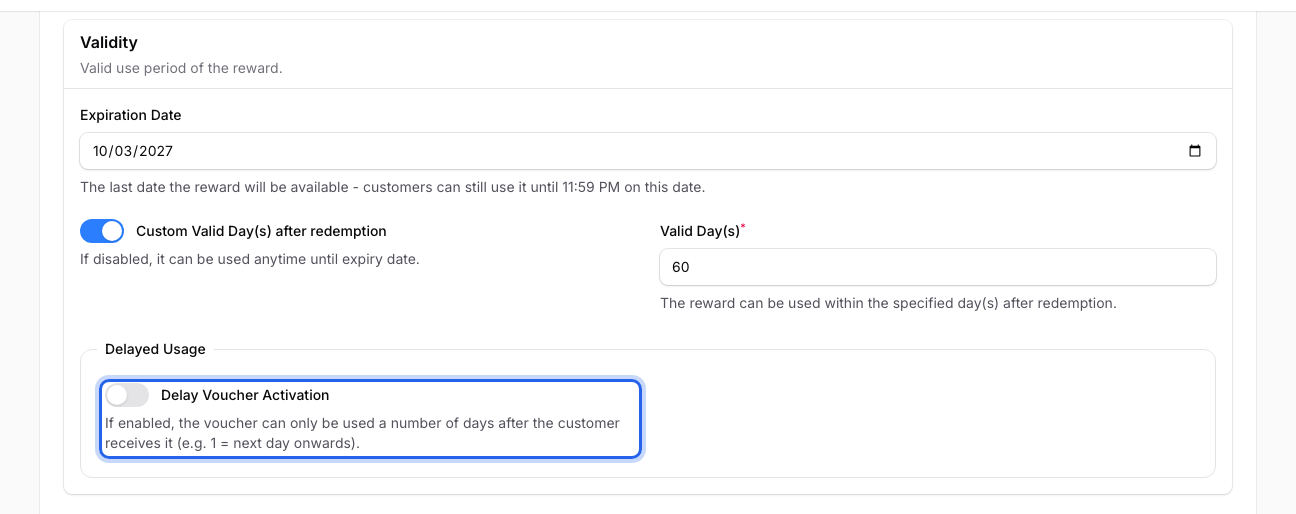
It sits under Delayed Usage.
-
Type 30 in Usable After (Day(s)).
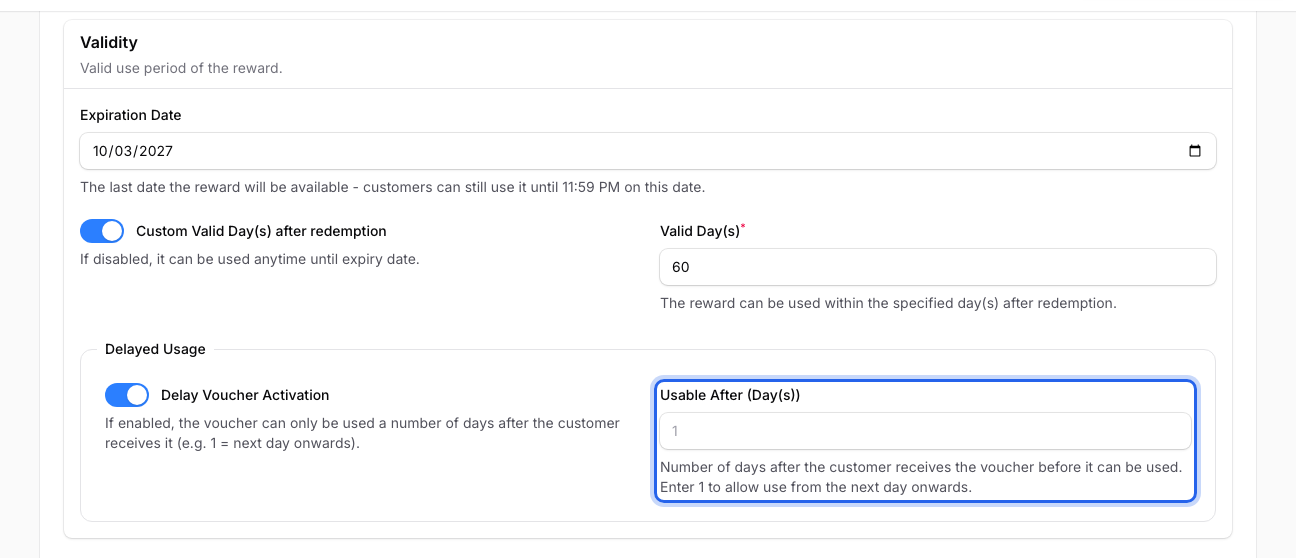
Keep Valid Day(s) above 30 and the Expiration Date over 30 days away.
-
Click Save changes.
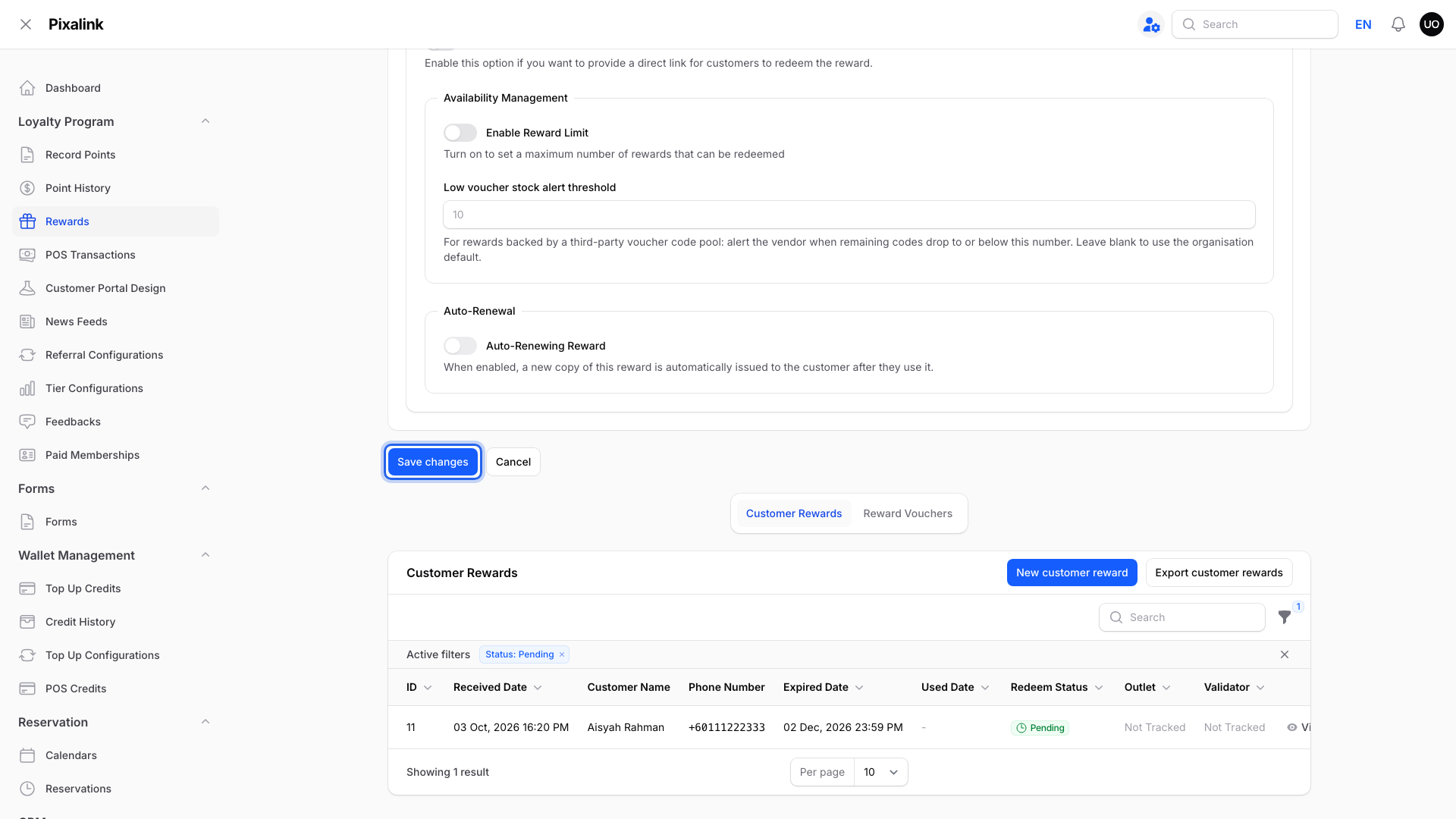
It is at the bottom.
-
Go to Admin Panel → Loyalty Program → Paid Memberships and click Edit on your package.
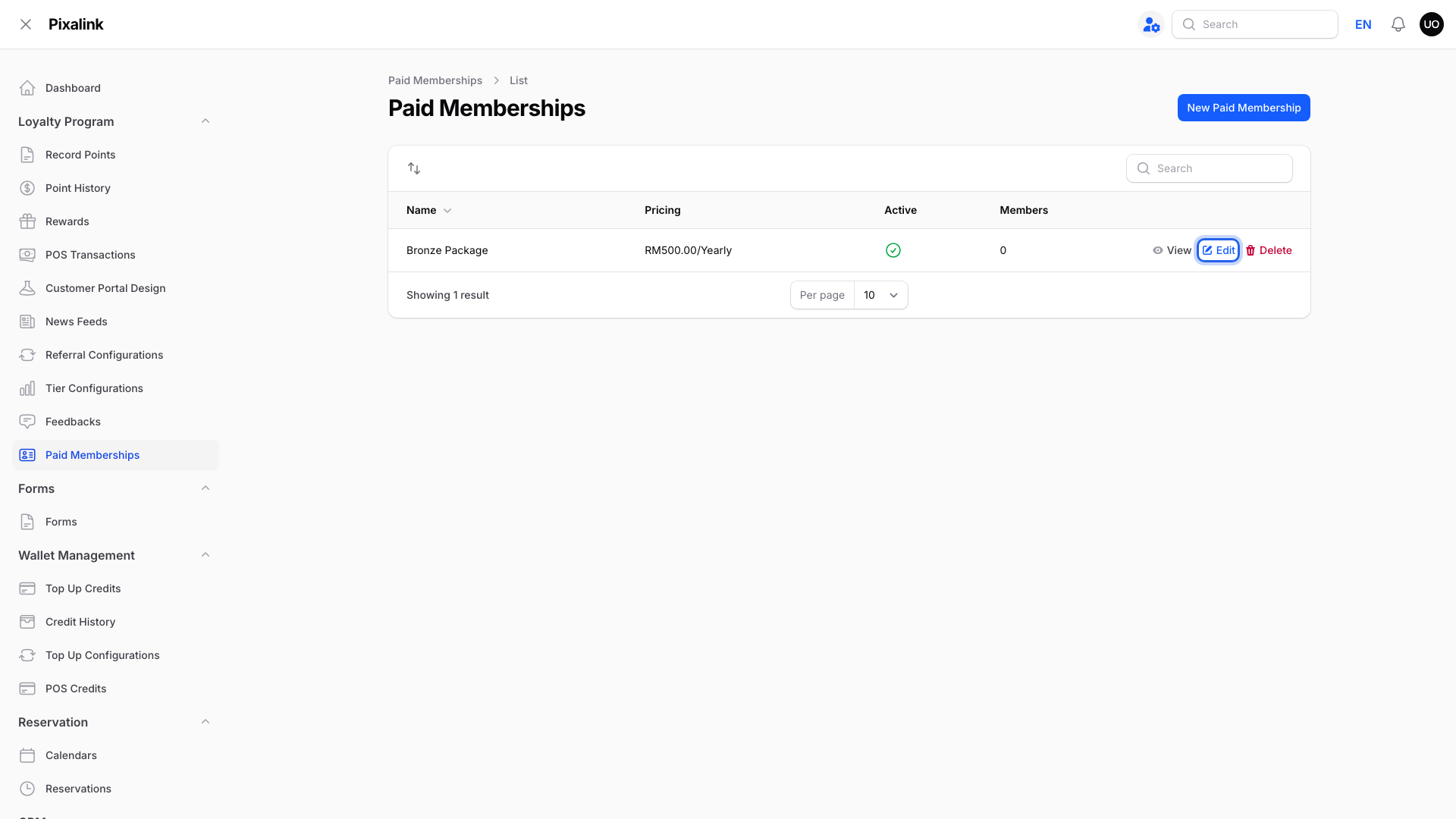
Each row is one package.
-
Click the Rewards tab.
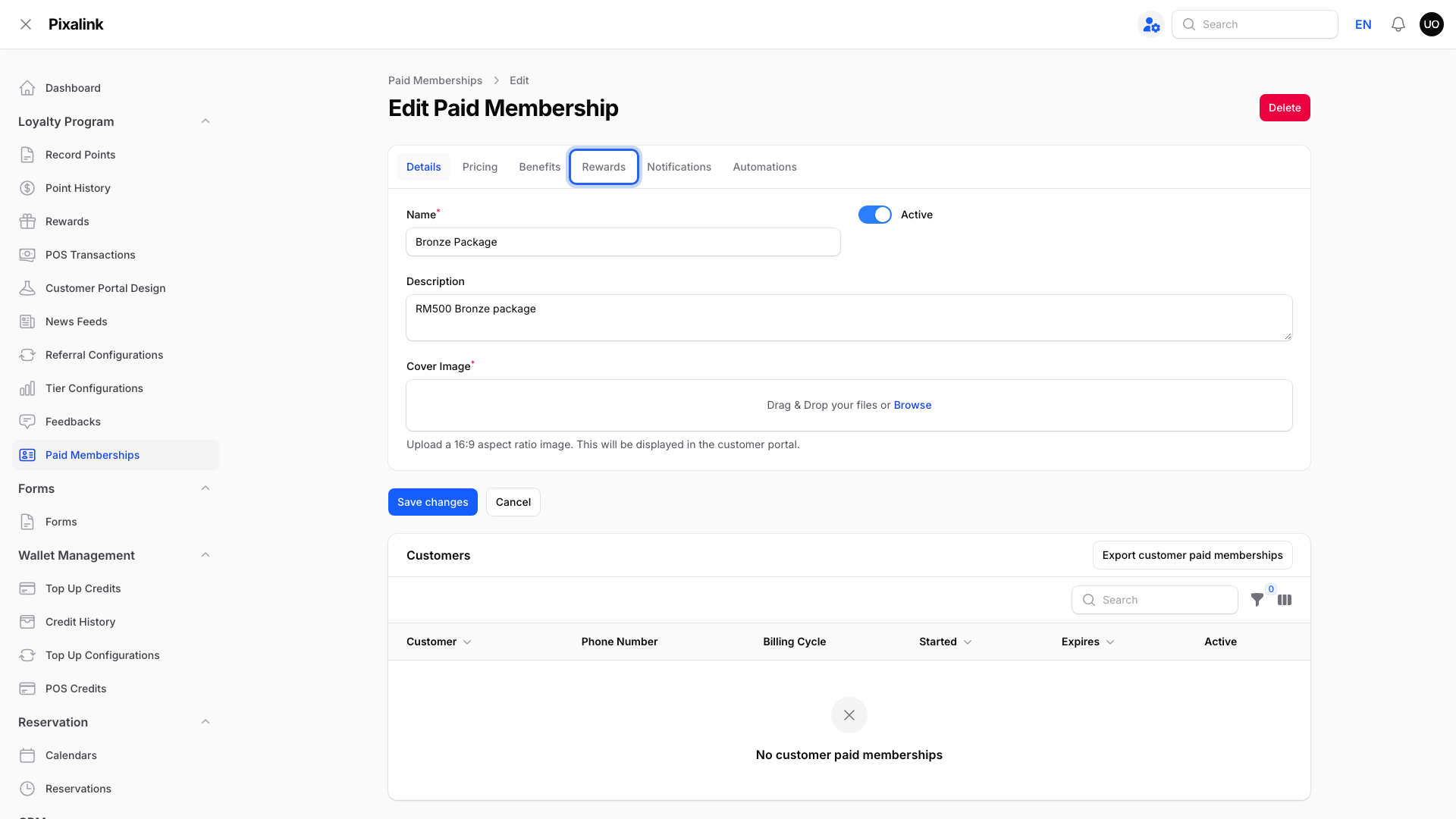
Use Rewards, not Automations.
-
Click Add Reward.
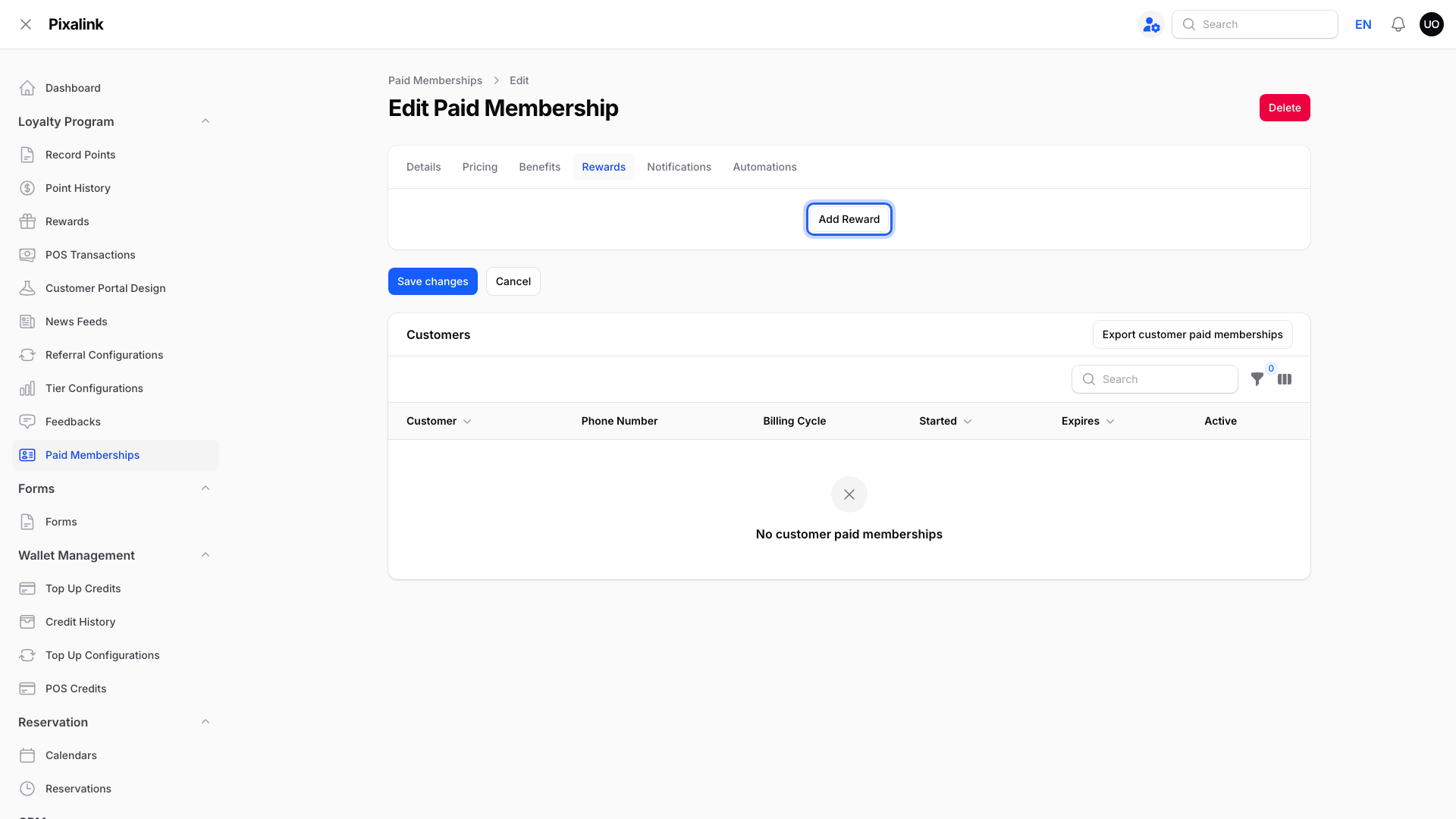
Each row is one voucher type.
-
Pick your voucher in Reward, set the Quantity, and click Save changes.
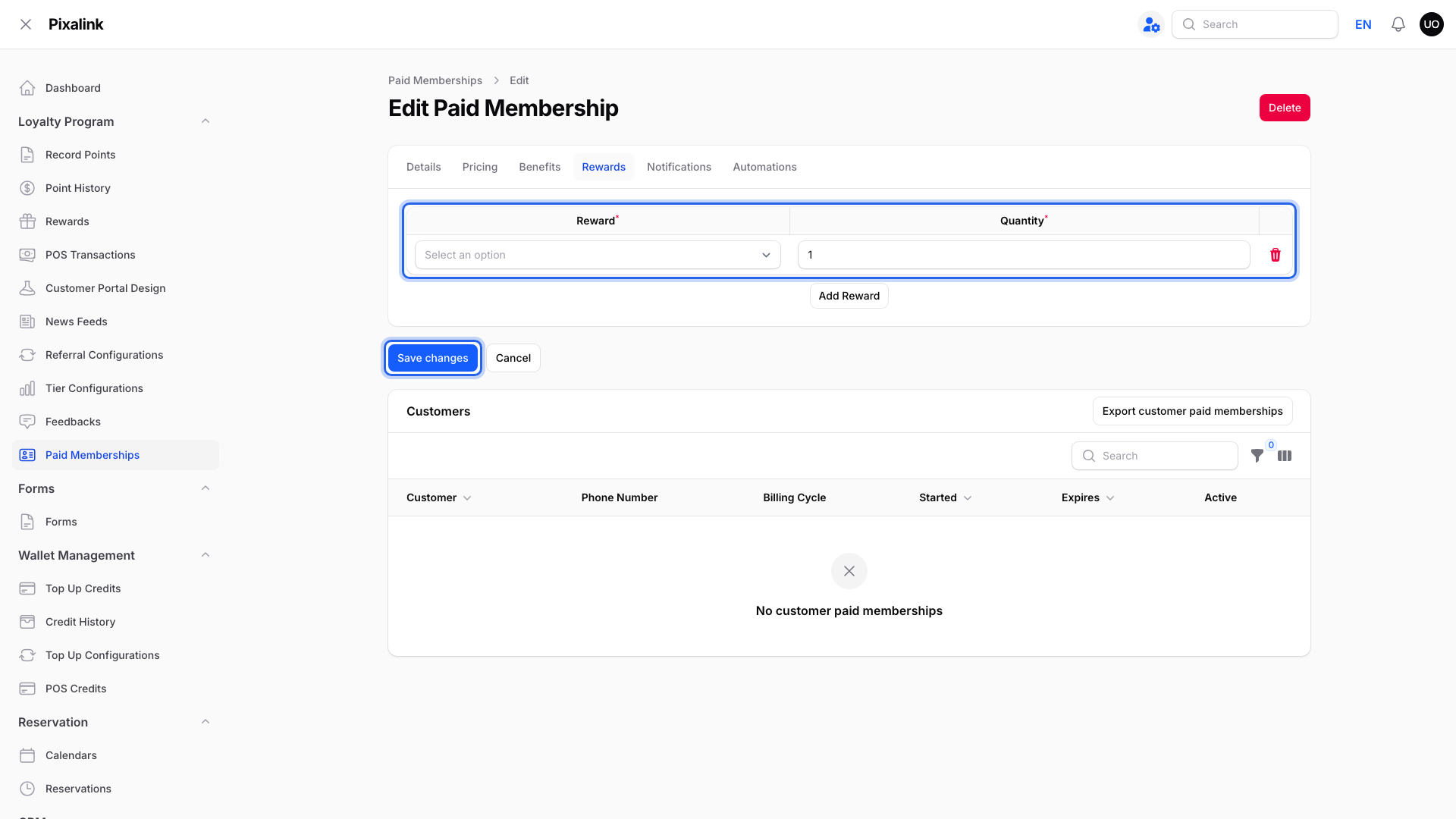
Quantity is copies per member.
What Your Customers Will See
The voucher shows in My Rewards right away, faded, with a "Usable from" date.
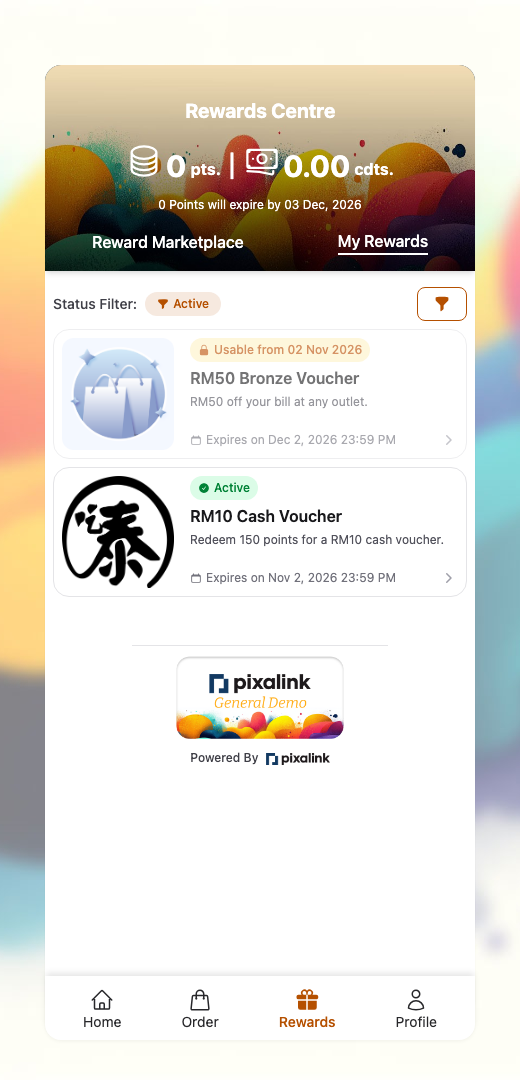
The button stays locked until then, and Validate Reward refuses it too.
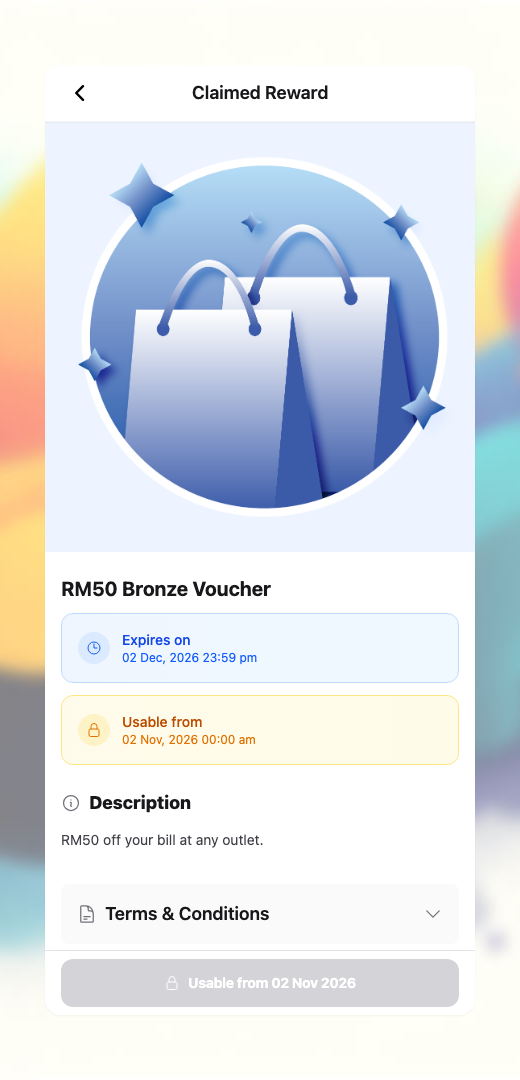
Good to Know
- All copies from one row unlock on the same day. For one voucher a month, make separate rewards set to 30, 60 and 90 days, and add each one.
- Expiry counts from the day it is given. Keep the reward Active so new members still get it.
- Each renewal payment gives a fresh batch. Extending dates does not.
Need Help?
Reach out to our support team. We are happy to help.