
Rewards Tab vs Automations Tab on Paid Memberships — Which One to Use
Rewards Tab vs Automations Tab on Paid Memberships — Which One to Use
What Is This?
A paid membership type has two places that can hand out vouchers, and they behave very differently. Mixing them up is one of the most common causes of "my members got the wrong number of vouchers" — so this guide explains what each one does, when it runs, and which one to use for what.
The Two Places
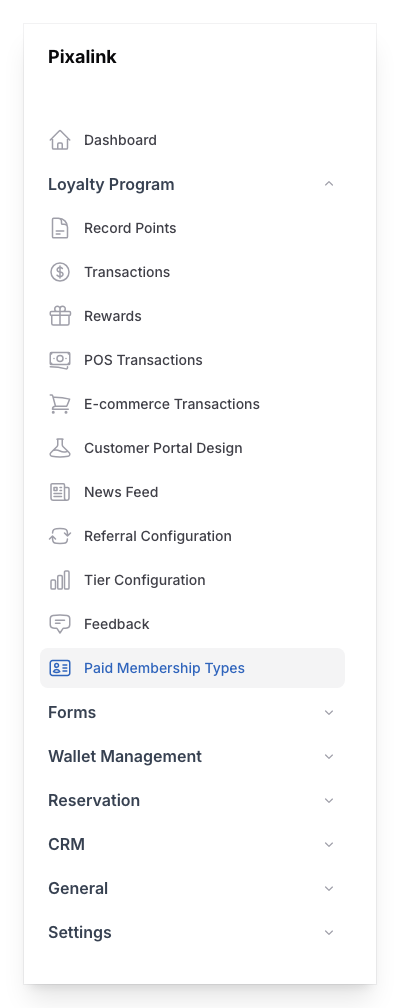
Open Admin Panel → Loyalty Program → Paid Memberships and click a membership type. You will see both:
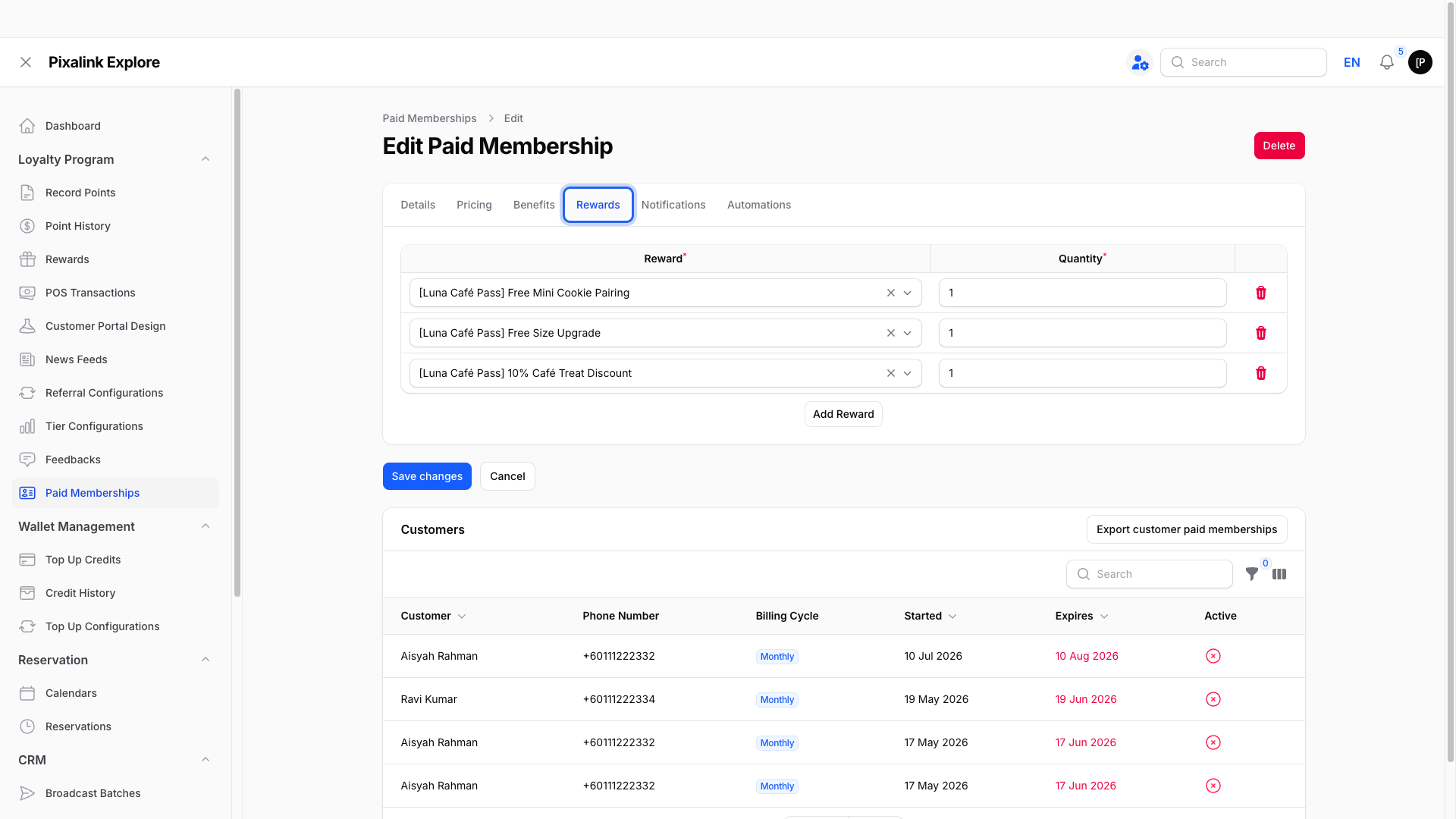
1. The Rewards tab — "give every new member these vouchers"
This is the welcome-pack setting. Every time a membership is activated — a new sign-up, a cash payment, an online payment, or a manual assignment by your staff — the member receives the rewards listed here, at the quantity you set. Renewals trigger a fresh batch too.
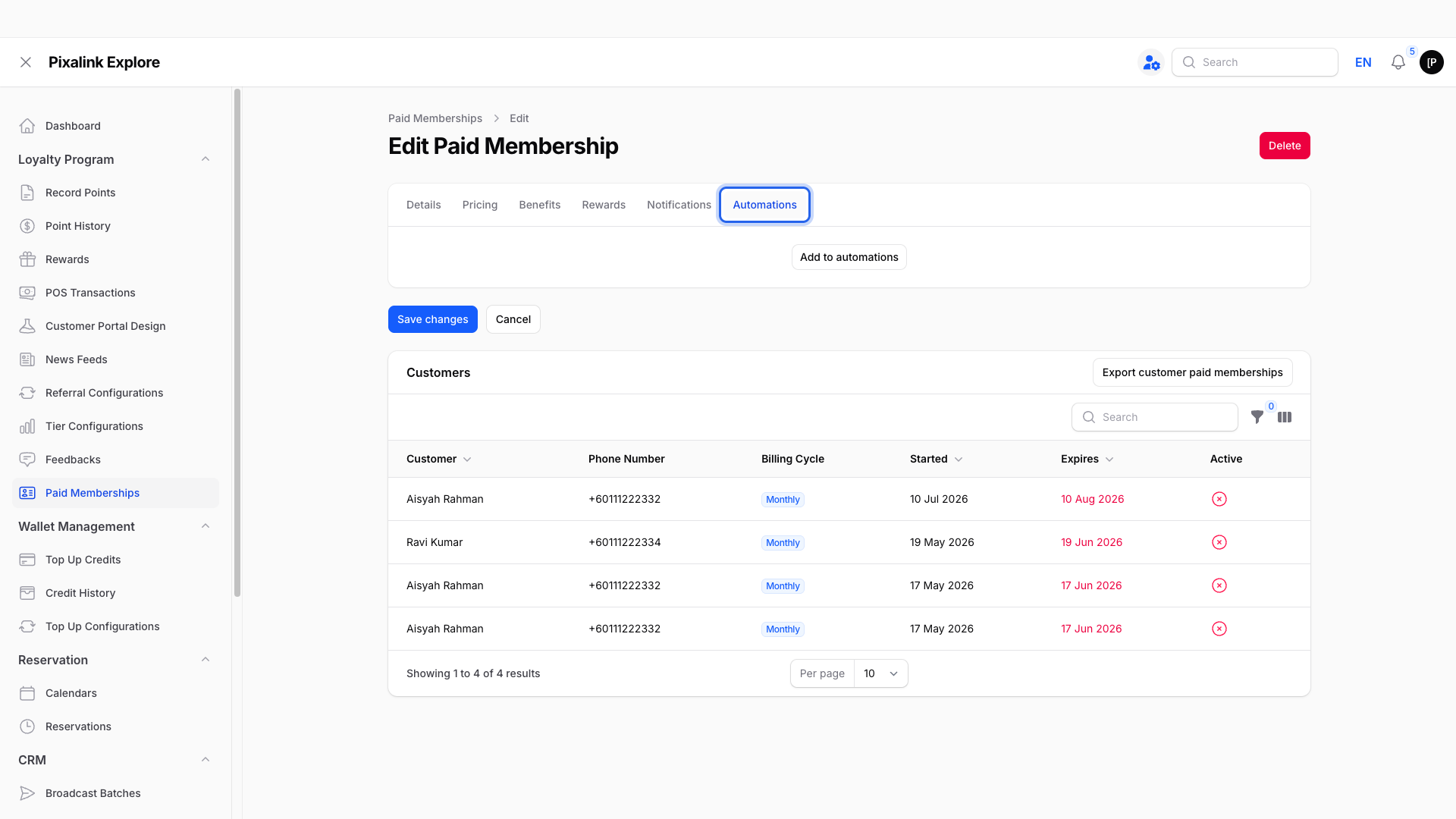
2. The Automations tab — "catch up members who joined before I set this up"
This is a one-time back-fill. When you save an automation here, it runs through your existing members and gives the reward to each member who has not yet received their automation rewards. It also fires once for each new membership as it is created.
The Rule That Catches People Out
Important
The Automations tab runs once per member, forever — not once per change. When it gives a member their rewards, that member is marked as done permanently. Editing the automation later (for example changing the quantity from 1 to 2) and saving again does nothing for members who were already processed. There is no error and no warning; the save simply has no effect on them.
Two consequences follow from this:
- You cannot use it to top up. If members received 1 voucher and you now want everyone to have 2, re-saving the automation with quantity 2 will not give the earlier members a second voucher. Only members processed for the first time get the new quantity.
- You cannot target a subset. The back-fill covers every member not yet marked done. If some members should be skipped, the Automations tab cannot express that.
If you find yourself needing a top-up for a specific group of members, contact Pixalink support — this is done as a one-off correction on our side rather than through the Automations tab.
Real-Life Example
Ravi launches a membership with a welcome voucher, quantity 1, on the Rewards tab. A month later he decides members should get 2. He updates the Rewards tab quantity to 2 — from now on, every new member gets 2. But the members who already joined got 1 and stay at 1.
Ravi then tries the Automations tab to fix the earlier members. It gives each unprocessed member their rewards — but any member the automation had already touched is skipped, and re-saving with different numbers changes nothing for them. For the earlier members to get their missing voucher, Ravi contacts support for a targeted top-up.
Good to Know
- The Rewards tab is the one you normally want. Set your welcome pack there and every future activation handles itself.
- Think of the Automations tab as single-use per member. Great for one catch-up after changing your programme; wrong tool for repeated adjustments.
- New memberships trigger the Automations tab too. Anything configured there is issued to every membership created while it is set — including memberships created in bulk. If a large batch of memberships is ever being created for you, make sure the Automations tab is empty first, or every one of them receives the automation rewards on top of anything else.
- Only free rewards can be assigned in either place — the dropdowns show rewards with a points cost of 0.
Need Help?
Not sure which tab your setup used, or need a top-up for members who joined before a change? Reach out to support@pixalink.io with the membership name and what you expected, and we will straighten it out.
What's Next?
- How to Automatically Give Vouchers to Paid Members — setting up the Rewards tab welcome pack
- Paid Memberships — the full membership guide