
How to Set Up Tier-Based Birthday Vouchers
What Is This?
Tier-Based Birthday Vouchers let each loyalty tier get its own birthday gift. Your Gold members can receive a bigger treat than entry-level Members. Every customer is still celebrated on their birthday. The reward simply matches how loyal they are.
This is different from a single Birthday Reward, which gives the same gift to everyone.
Real-Life Example
Wei Lin runs a cafe with three tiers: Member, Silver, and Gold. She wants her best customers to feel special on their birthday.
She sets a free drink for Members and a free cake slice for Silver. For Gold, she sets a RM50 voucher. Aishah, a Gold member, receives that voucher at 9 AM on her birthday. Ahmad, a Member, gets his free drink. Both feel remembered, and Wei Lin set it up only once.
Video Walkthrough

How to Set It Up
-
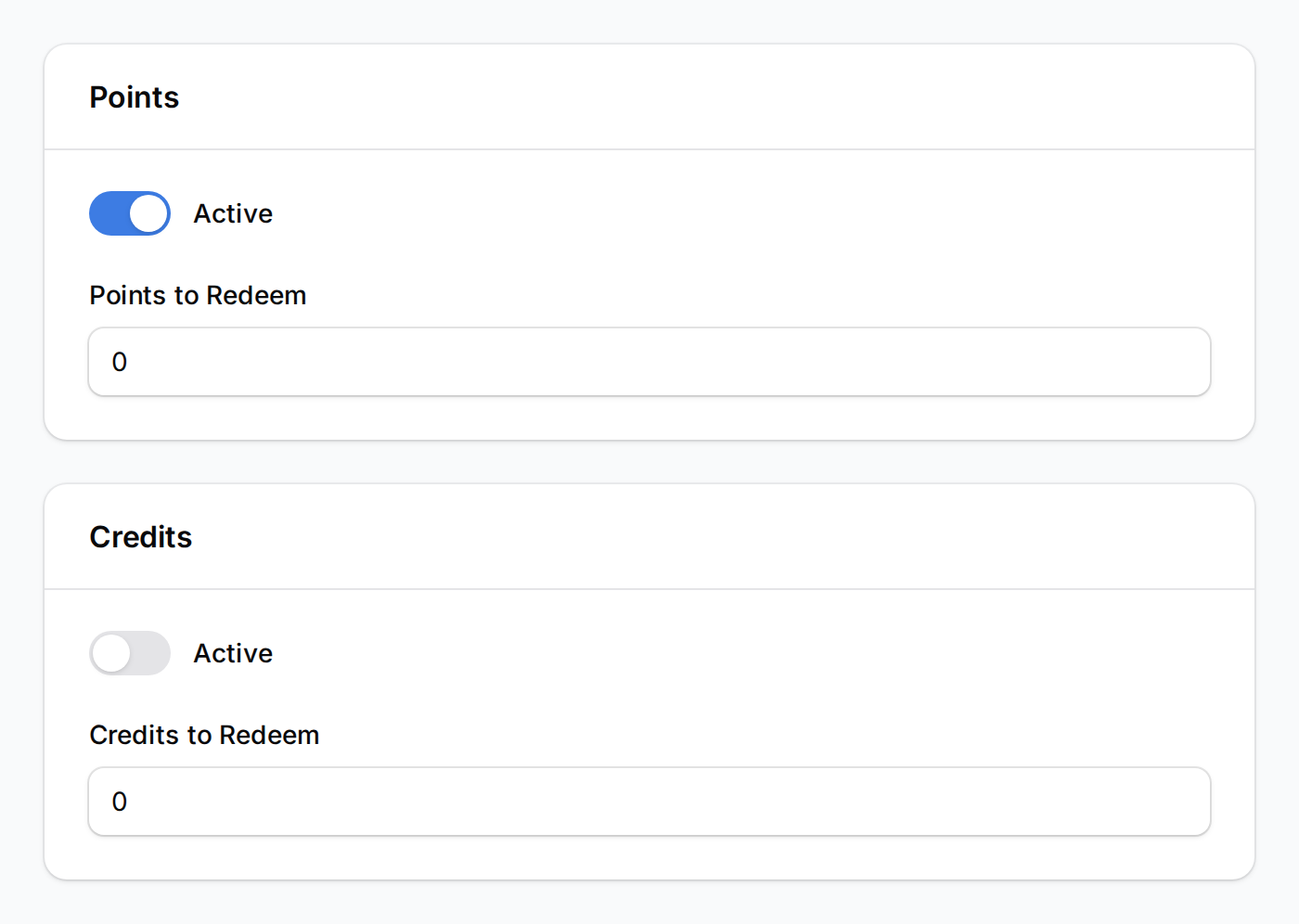
Go to Loyalty Program > Rewards and create one reward per tier. Set Points to Redeem to 0, give it a name, and keep it active.
-
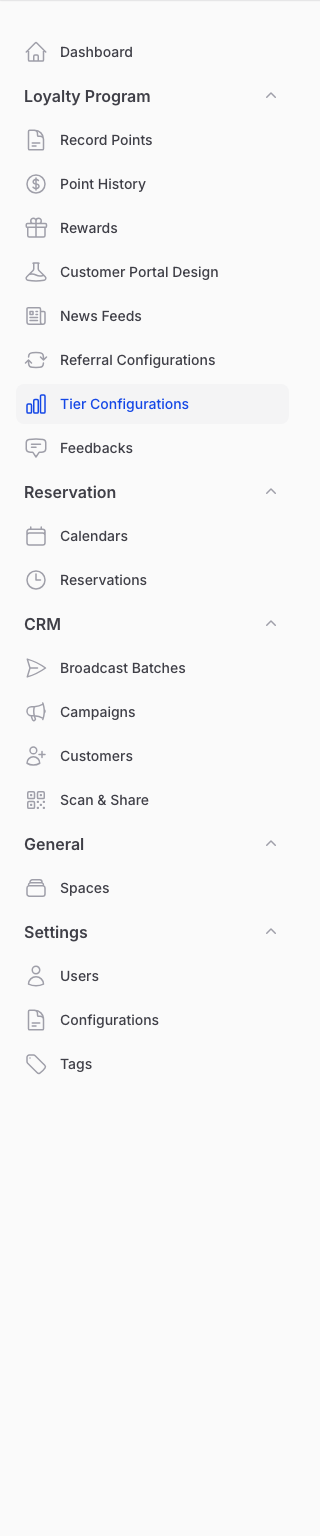
Go to Loyalty Program > Tier Configurations in the sidebar, then open your active configuration.
-
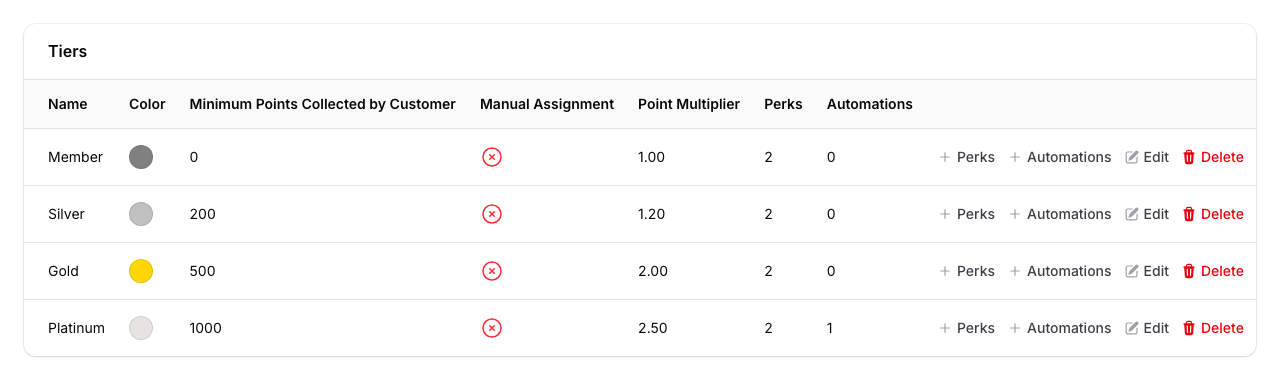
In the tiers table, find the tier you want, then click its Automations action.
-
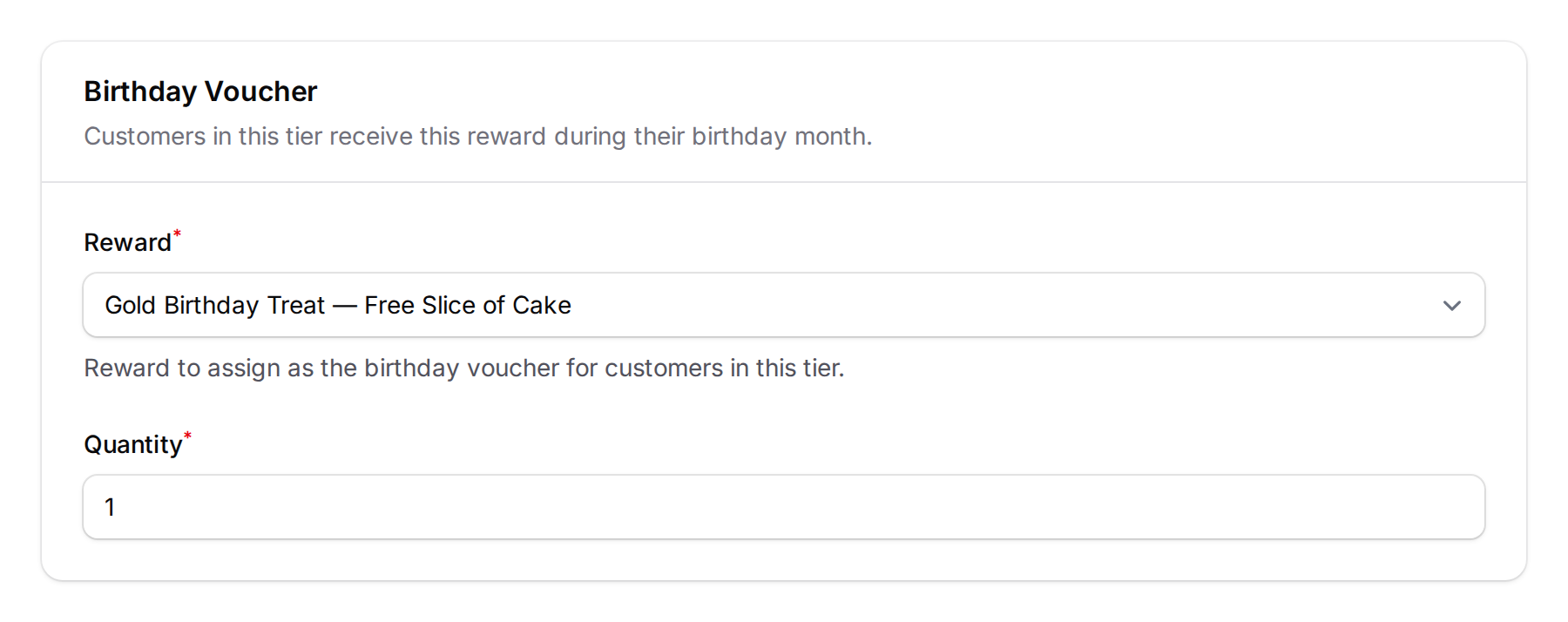
Add a Birthday Voucher block, choose the free reward for that tier, set the Quantity, then save. Repeat for each tier using a different reward.
What Your Customers Will See
At 9:00 AM on their birthday, each customer receives the voucher set for their tier. It appears in their portal with a code they show at your shop. If you set up a WhatsApp message for the reward, they get a notification too.
Good to Know
- Different reward per tier. Each tier needs its own Birthday Voucher block.
- The reward must be free. Only rewards that cost 0 points and 0 credits can be used. A reward that costs credits still shows in the picker, but it is skipped.
- One per year. Each customer receives their tier birthday voucher once per calendar year. If the same reward is also given as a birthday reward elsewhere, the customer still gets it only once that year. If the reward has Single Redemption turned on, the customer gets it only once ever, not once a year, so keep it off.
- A date of birth is needed. Customers without a birthday on file are skipped.
- Tier matters. Customers receive the voucher for the tier they are in on their birthday.
- Joining mid-month. A customer who signs up, adds their date of birth, or moves into a tier during their birth month gets that tier's voucher straight away, even if their birthday has already passed. They do not get it a second time on the day.
Need Help?
Reach out to the Pixalink team if you need a hand setting this up.
What's Next?
- Birthday Rewards — Automatically Reward Customers on Their Birthday — give every customer the same birthday gift
- How to Set Up Tier Point Multipliers — reward higher tiers with faster points
- What Are Rewards and How to Create Them — new to rewards? Start here