
How to Set Up Referral Commission
What Is This?
Referral commission thanks members who bring in paying friends. Each time an invited friend buys from you, the member who invited them earns store credit worth a percentage of that purchase. Members keep inviting, because it keeps paying.
Real-Life Example
Priya runs FitZone gym in Cheras. Her members bring friends, but a one-time welcome reward doesn't keep them inviting. She sets a 5% commission, a RM20 minimum spend and a 100-credit monthly cap. Her member Farah invites Ahmad. Ahmad pays RM120 at the counter, and staff record the sale. Farah gets 6 credits, and 6 more each month Ahmad pays again. She spends them on protein shakes at the gym bar.
How to Set It Up
If you don't see Recurring Referral Commission, it isn't turned on for your account. It also needs the credit wallet. Contact our support team to turn it on.
-
Go to Admin Panel → Loyalty Program → Referral Configurations, then click Edit.

Edit is at the end of your referral setup's row.
-
Click the Configurations tab.

Recurring Referral Commission is the first section on this tab.
-
Turn on Enable Recurring Commission.

The commission fields appear after you turn it on.
-
Enter the Commission Rate (%) and the Minimum Invitee Spend per Purchase (RM).
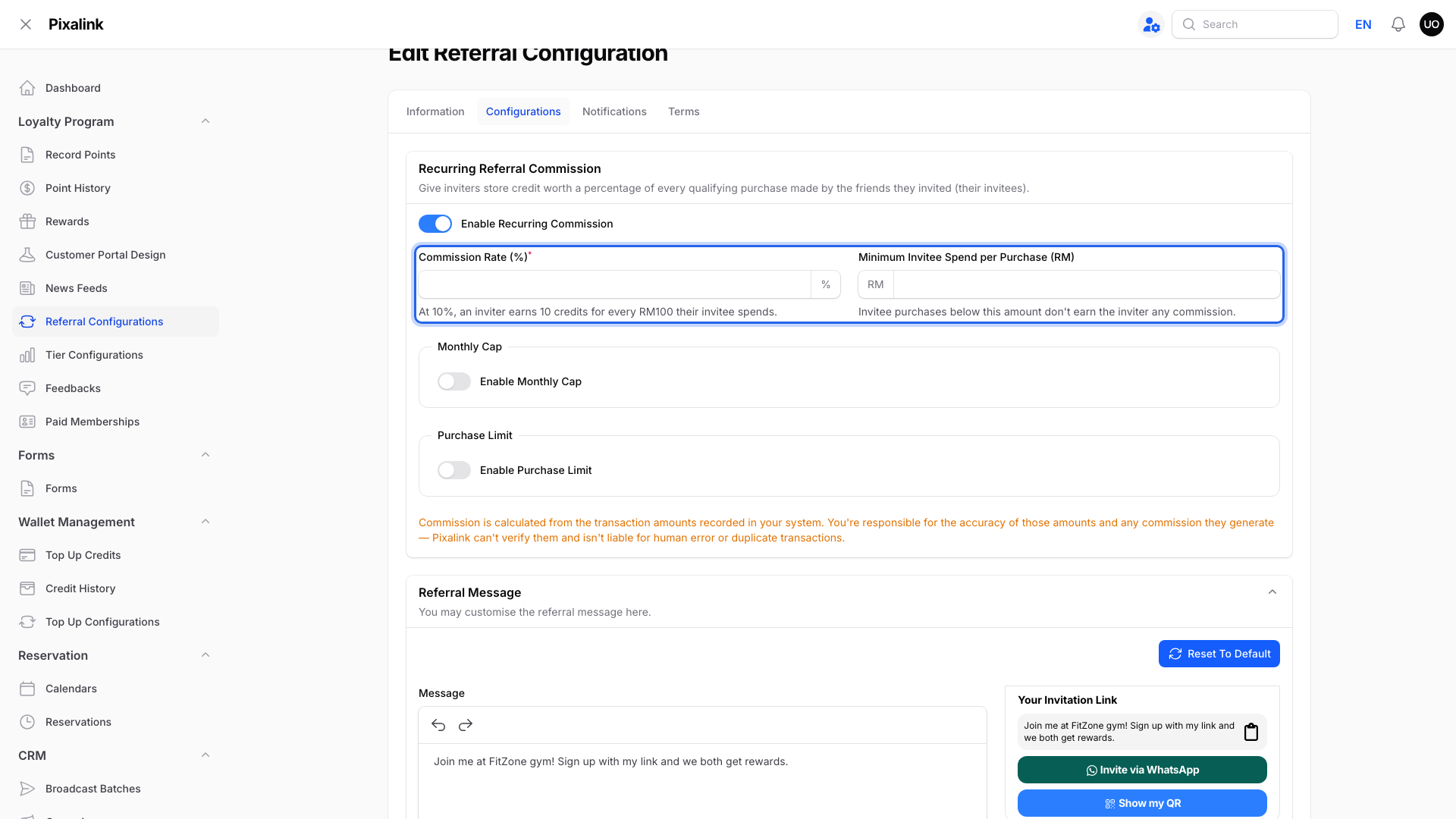
At 5%, a RM120 purchase earns 6 credits. A purchase below the minimum earns nothing.
-
To limit commission, turn on Enable Monthly Cap, Enable Purchase Limit, or both.

Both are optional. Leave them off for no limit.
-
Enter the Monthly Cap per Inviter (credits) and the Qualifying Purchases per Invited Member.

You only see the fields for the switches you turned on. The cap restarts on the 1st of each month. The purchase count is per invited friend and never resets.
-
Click Save changes.
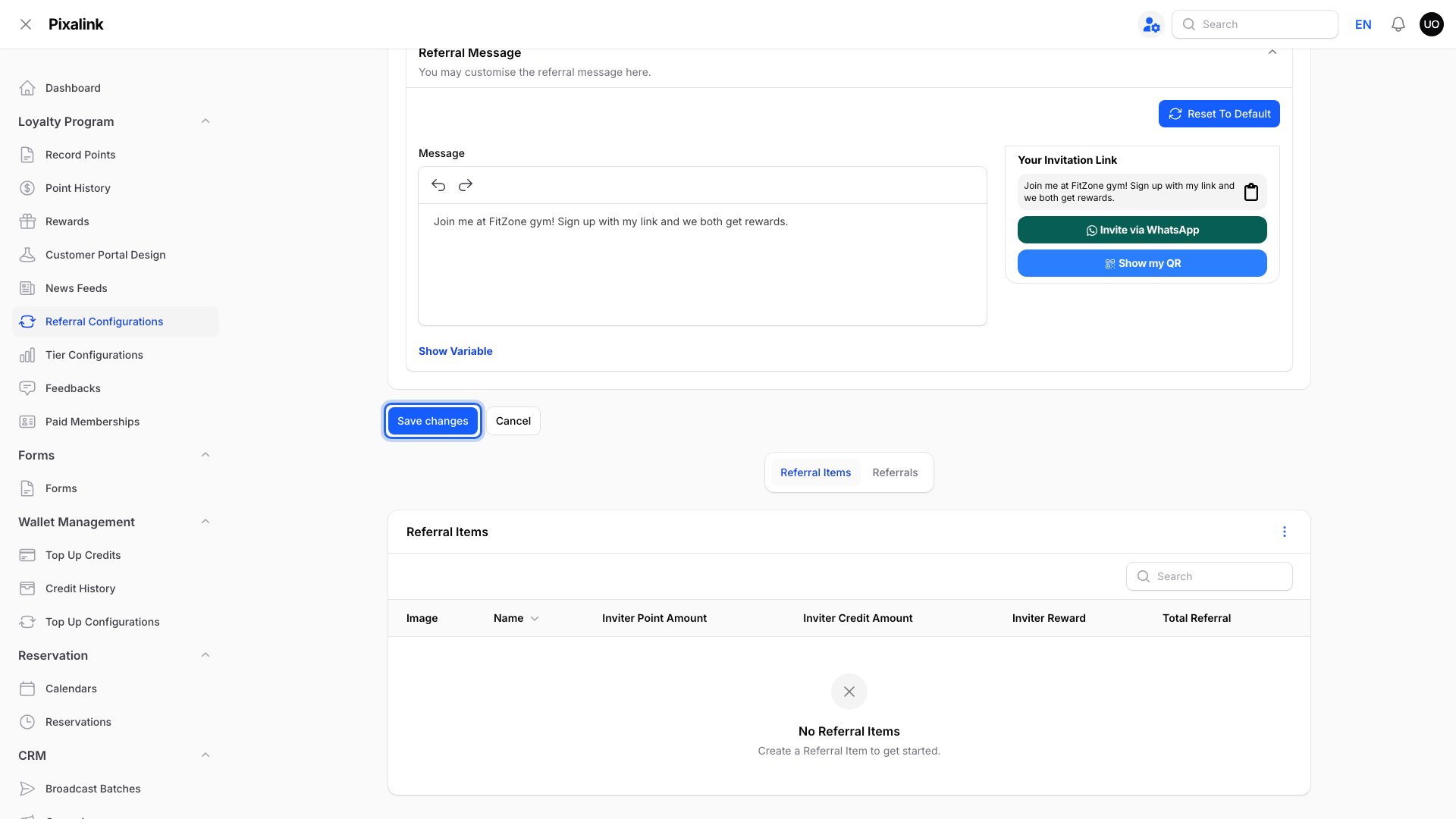
Commission starts with the next qualifying purchase.
What Your Customers Will See
Members tap Commissions on their Profile page. They see their total earned, this month's progress toward the cap, and their recent commission history.

A new member sees 0.00 credits and how much they can still earn this month.
Good to Know
- Commission counts sales from StoreHub, Loyverse, Eats365, Shopify, WooCommerce and Record Points. AutoCount invoice sales don't earn commission.
- Reservation payments, Paid Membership payments and credits your staff deduct in the Admin Panel don't count. An Eats365 bill paid with credits still earns commission on the full amount.
- Refunds and voids linked to the original sale take back commission the member hasn't spent yet. WooCommerce refunds don't take it back yet.
- Commission is store credit only. Members can't cash it out. See What Is Act 500 and Does It Cover Referral Commission?.