
Your WhatsApp Number Was Restricted: Why and What to Do Next
What Is This?
If Pixalink sends from your own WhatsApp number, WhatsApp can restrict it. Points, voucher and broadcast messages then stop. Here is how to spot it, what to do today, and how to avoid the next one.
How It Works
WhatsApp restricts a number when it looks like a bulk sender. A busy sales day can do it, because every points and voucher message goes out from your number. A few customers tapping Report can too. WhatsApp never says who reported you, not to you and not to Pixalink.
How to tell. When Pixalink spots the limit, it emails you and sends a WhatsApp from Pixalink's number. It also shows a WhatsApp Broadcasting Temporarily Limited warning on Settings → Configurations. Your number still shows as connected. If messages stop with no warning, send a WhatsApp from your phone to someone you've never chatted with. If it won't go through, you're restricted.
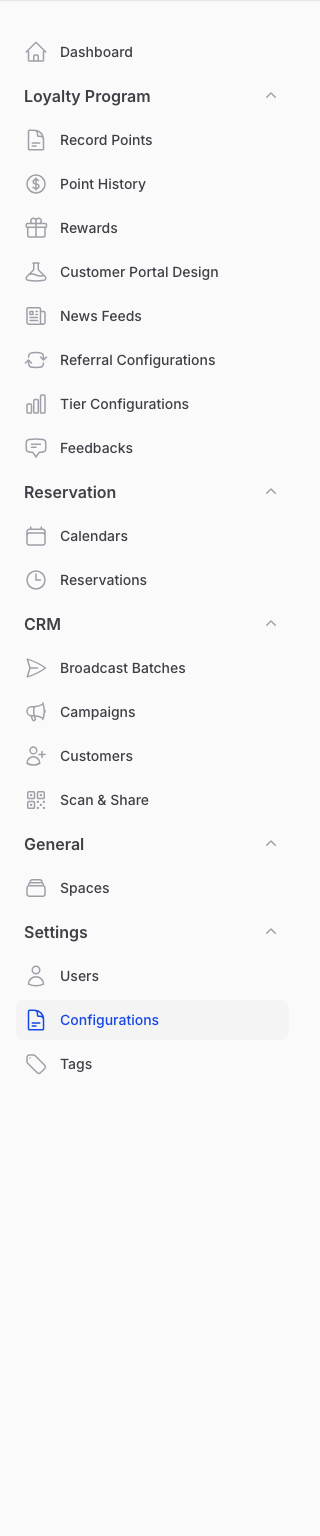
Configurations sits under Settings. The restriction warning shows on this page.
Missed messages are not resent. While the limit lasts, Pixalink sends nothing from that number. Points and voucher messages from that time are skipped for good. Broadcast messages due then show as Failed, even though the warning says paused. They aren't retried automatically. Don't pause and resume the batch while the limit lasts, because that sends them again.
What to do now.
- Wait. The limit usually lifts within about 24 hours.
- Don't log out, rescan the QR code or re-link. It doesn't clear the limit, and more sending can make it last longer.
How to lower the risk next time.
- Warm up a new number before big sends. See WhatsApp Number Warm-Up Guide and Linking a New WhatsApp Number: Waiting Time Explained.
- End each message with your shop name, like "From the Kopi Corner team". Change the Message under each notification on Configurations.
- Ask our team to add a second or third number. Messages take turns across them, so each sends less. If one is restricted, messages on its turn are still missed.
- Send some messages by email. Tick Email under Send this notification by. Only customers with an email address get it.
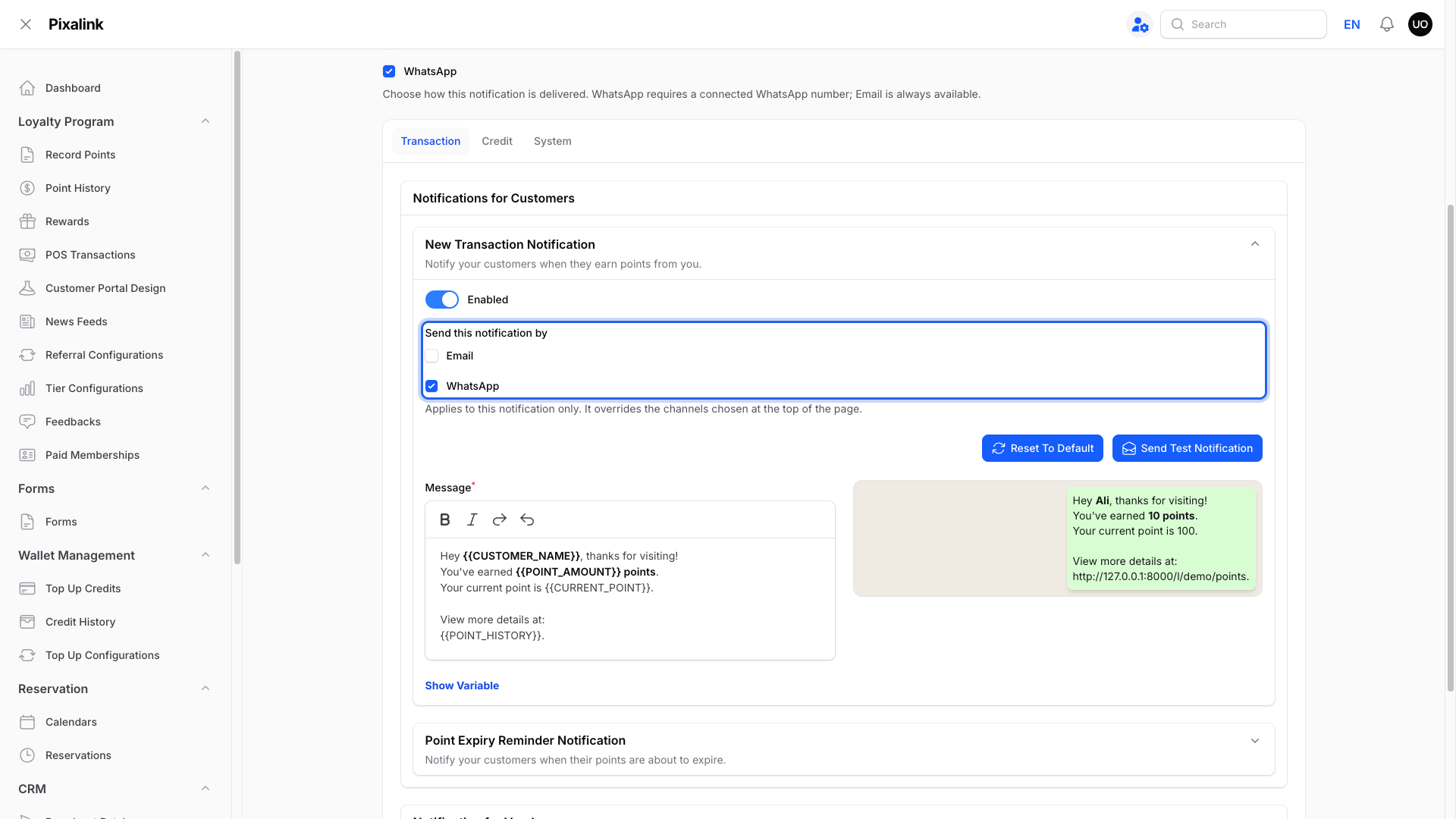
Tick Email, then click Save.
When a paused broadcast won't resume. A batch pauses when none of your numbers is logged in. Resume only works after you log in again on Configurations. If the number drops again, the batch pauses again. See How to Stop Piled-Up WhatsApp Messages After a Disconnect and When Do I Need to Re-Link WhatsApp to Pixalink?.
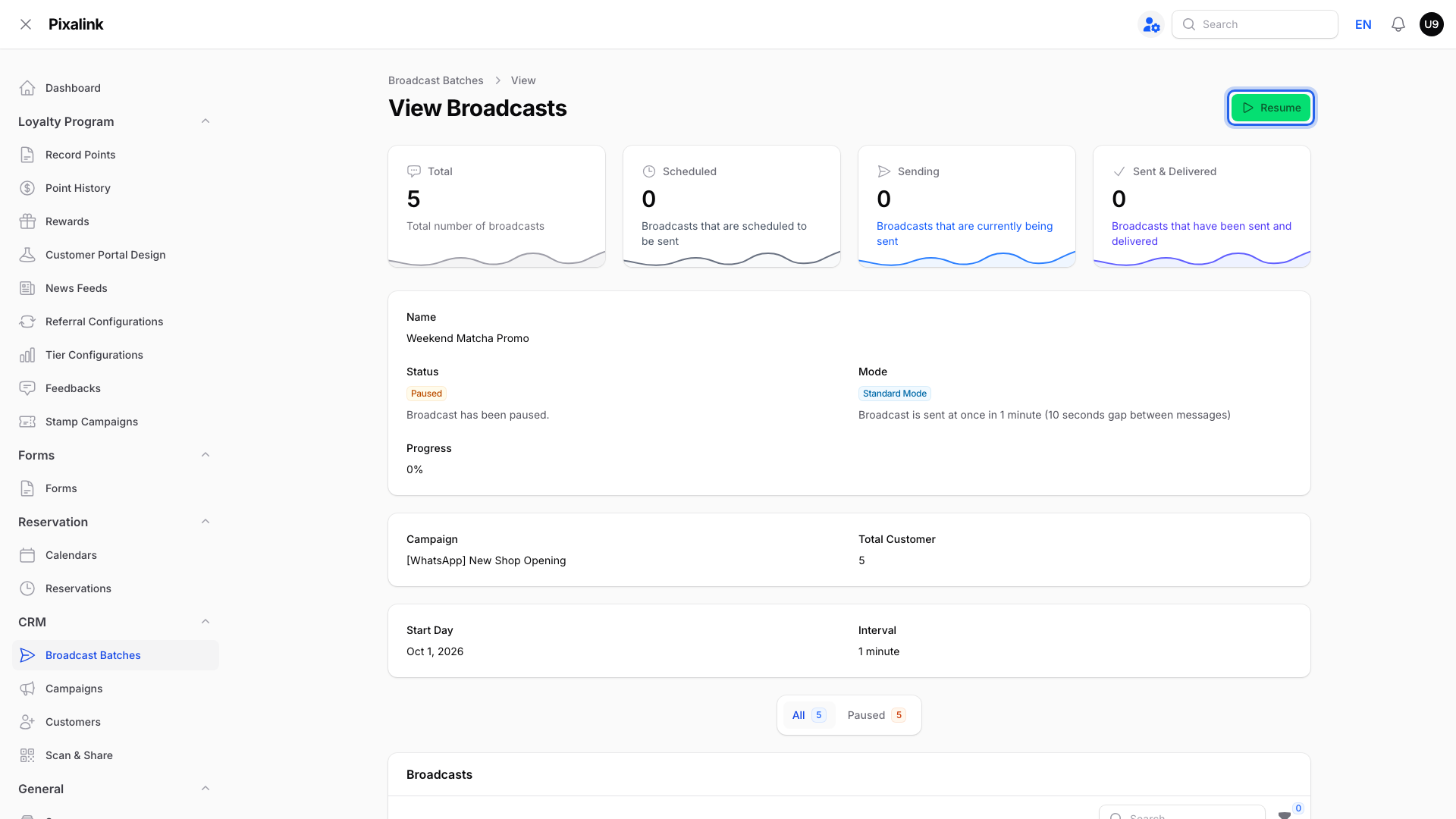
A paused batch waits here until you click Resume.
Real-Life Example
Ahmad runs Kopi Corner cafe in Bangsar. On his first busy Saturday he records 60 sales, and each sends a points message from his number. By evening WhatsApp restricts it. He sees the warning, so he stops sending and leaves the QR code alone. The limit lifts the next day, but Saturday's points messages never arrive. Ahmad adds his shop name to his messages and ticks Email for points messages.
Good to Know
- Banned, not restricted? See How to Recover a Banned WhatsApp Account.
- Restricted more than once? Official WhatsApp from Meta isn't affected by this limit, though Meta has its own sending limits.
Need Help?
Message us in your WhatsApp support group.