
How to Link Pixalink to Your Own Bukku Company
How to Link Pixalink to Your Own Bukku Company
What Is This?
Pixalink gives members points from the paid invoices in your Bukku company. It reads the one Bukku company it is linked to.
If points are coming from the wrong Bukku company, or none of your real sales are earning points, the link needs to point at your own company. This guide explains how that link works and how to change it.
How It Works
What the Bukku link does
About every 10 minutes, Pixalink reads paid sales invoices from the last 30 days. It matches each invoice's contact to a member by phone number or email, then adds points. If no member matches, Pixalink adds a new one.
flowchart LR
    A["Paid invoice<br/>in Bukku"] --> B["Pixalink reads it<br/>every 10 minutes"]
    B --> C{"Contact has a phone<br/>number or email?"}
    C -->|Yes| D["Matched or new member<br/>gets points"]
    C -->|No| E["Sale waits as Pending<br/>in POS Transactions"]
Where you see Bukku sales
Bukku invoices appear under Loyalty Program → POS Transactions. This menu only shows once Bukku is connected to your account.
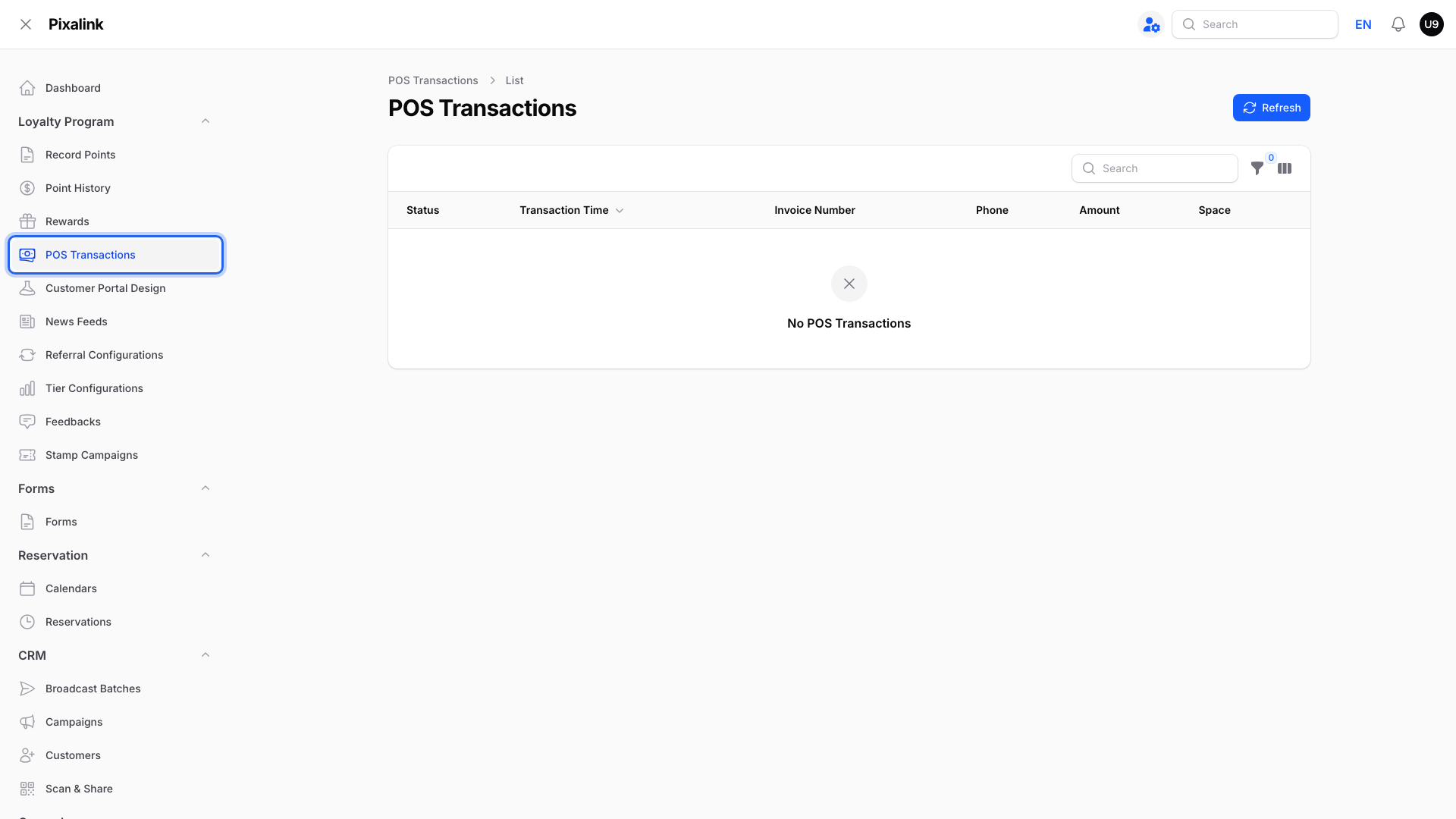
Each invoice shows a Status:
| Status | What it means |
|---|---|
| Pending | The invoice arrived, but no member is linked yet. This happens, for example, when the Bukku contact has no phone number or email. |
| Adopted | The invoice is linked to a member and the points are added. |
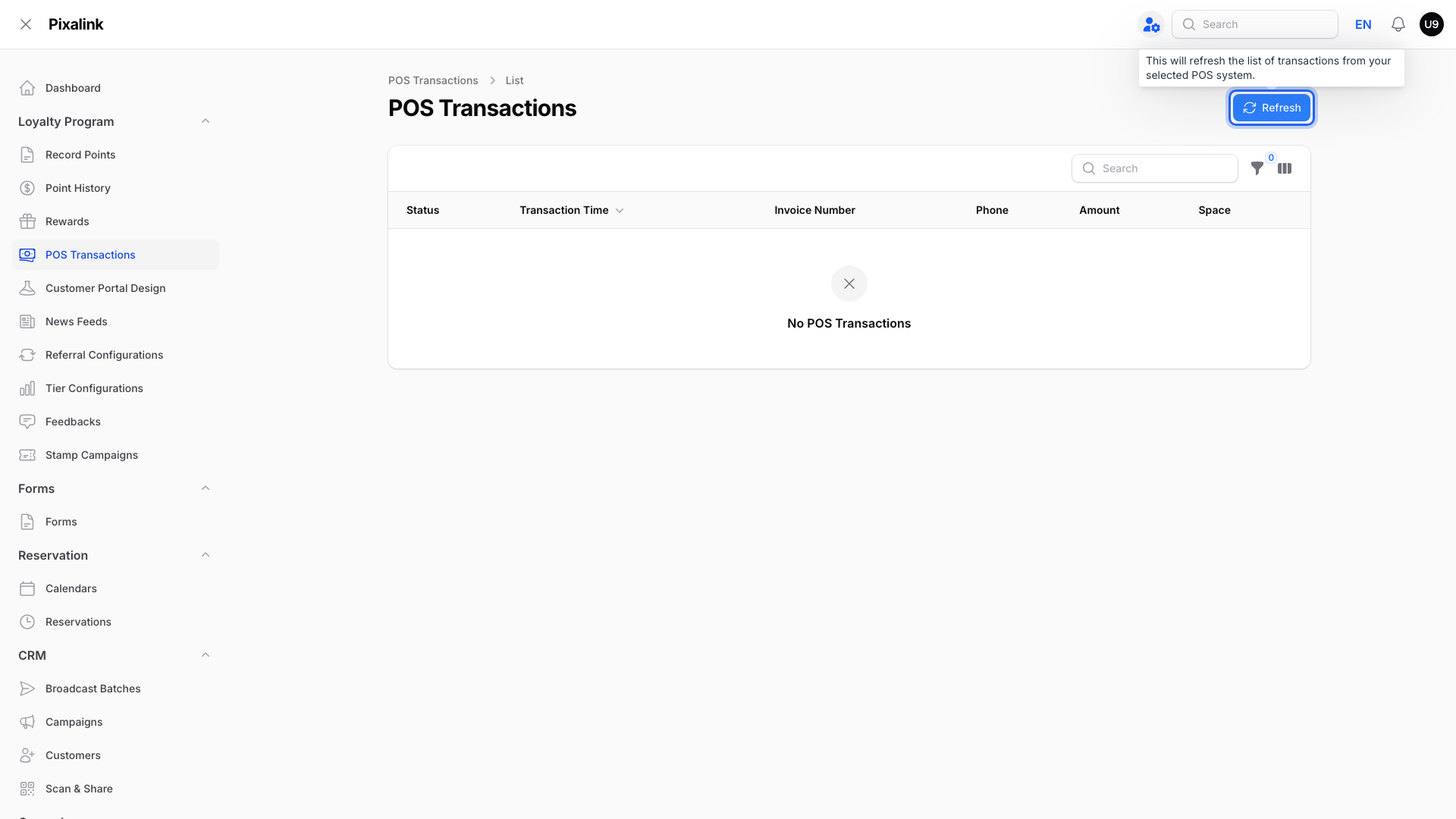
Click Refresh to pull the latest invoices straight away.
Tip
To check which company is linked, open a few invoices here and compare them with your own Bukku sales. If they don't match, the link points at another company.
Linking your own Bukku company
You cannot change the Bukku link in your admin panel yourself. Our team sets it for you. Prepare two details first:
- Create an access token in your own Bukku company. Bukku's help pages show where to find it.
- Note your company subdomain. It is the first part of your Bukku web address.
Our team enters both details and checks that Pixalink can read your invoices. After that, Pixalink reads invoices from your own Bukku company only.
Removing the Bukku link stops Pixalink from reading Bukku invoices.
Warning
Share your token only in a private message, never in a group chat. Anyone with it can read your Bukku records.
Real-Life Example
Ahmad runs a kopitiam that bills customers through Bukku. His members were not getting points for their real orders, and the invoices under POS Transactions were not his.
Ahmad created an access token in his own Bukku company and noted his subdomain. Our team linked Pixalink to his company. His paid invoices from the past 30 days then came in, and members now get points within minutes of paying.
Good to Know
- Earlier points stay. Members and points added before the change are not removed.
- Only paid invoices count. An invoice is picked up once it is marked paid, if it is dated within the last 30 days.
- Phone numbers matter. Add a phone number or email to each Bukku contact, so Pixalink can match the member.
- Bukku details win. If a matched Bukku contact has a different name or phone number, Pixalink updates the member to match Bukku.
Need Help?
To link, change or disconnect Bukku, contact our support team. Share your token and company subdomain privately.