
How to Export Credit History for End-of-Shift Tallies
How to Export Credit History for End-of-Shift Tallies
What Is This?
Match each cashier's drawer to the credit they sold, with no manual counting. Every credit top-up, including the ones your cashiers take, is saved in Credit History. Filter it by outlet and day, then download it as a spreadsheet for your accounts team.
Real-Life Example
Aishah runs three cafés and sells prepaid credit at the counter. Her finance team kept finding gaps between cash drawers and credit sold. Now her supervisor exports one top-up file per outlet at closing time. Each row has the exact time, so shifts are easy to split. Each month, finance checks outlet totals on the Credits dashboard. Gaps are now found the same day, not at month end.
How to Set It Up
-
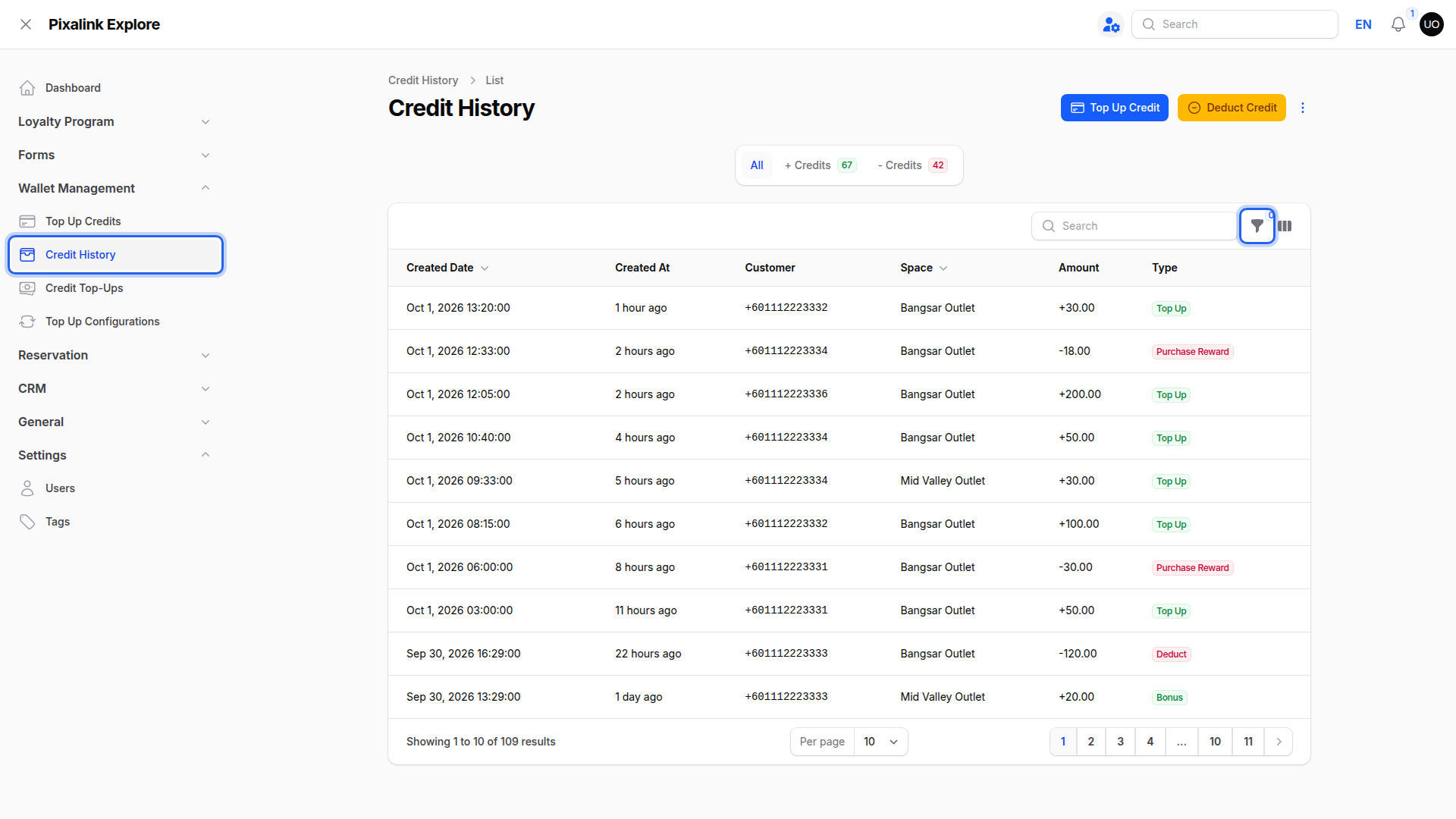
Go to Admin Panel → Wallet Management → Credit History and click the Filter button.
-
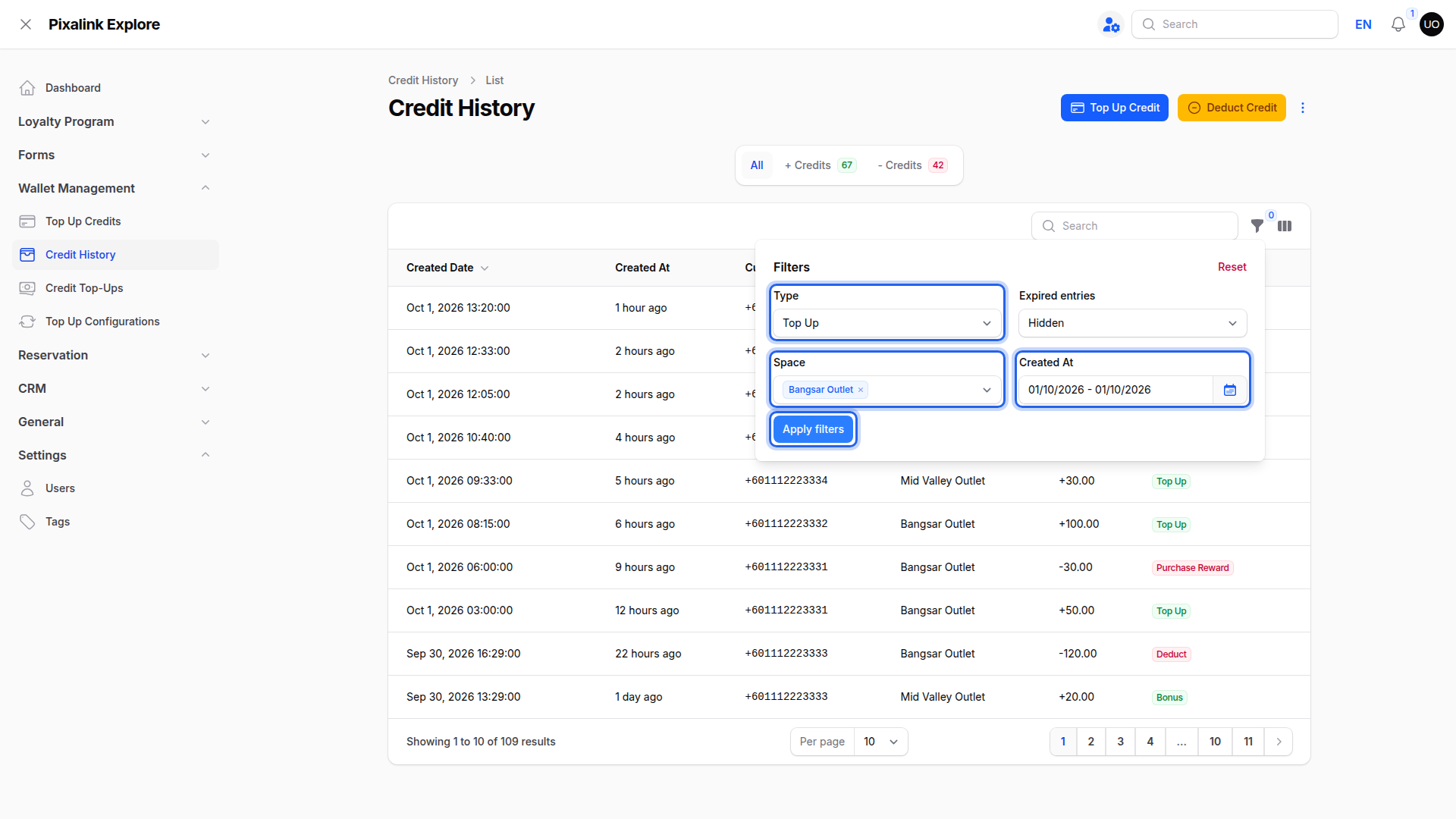
Set Type to Top Up, pick your outlet in Space, choose the day in Created At, then click Apply filters.
-
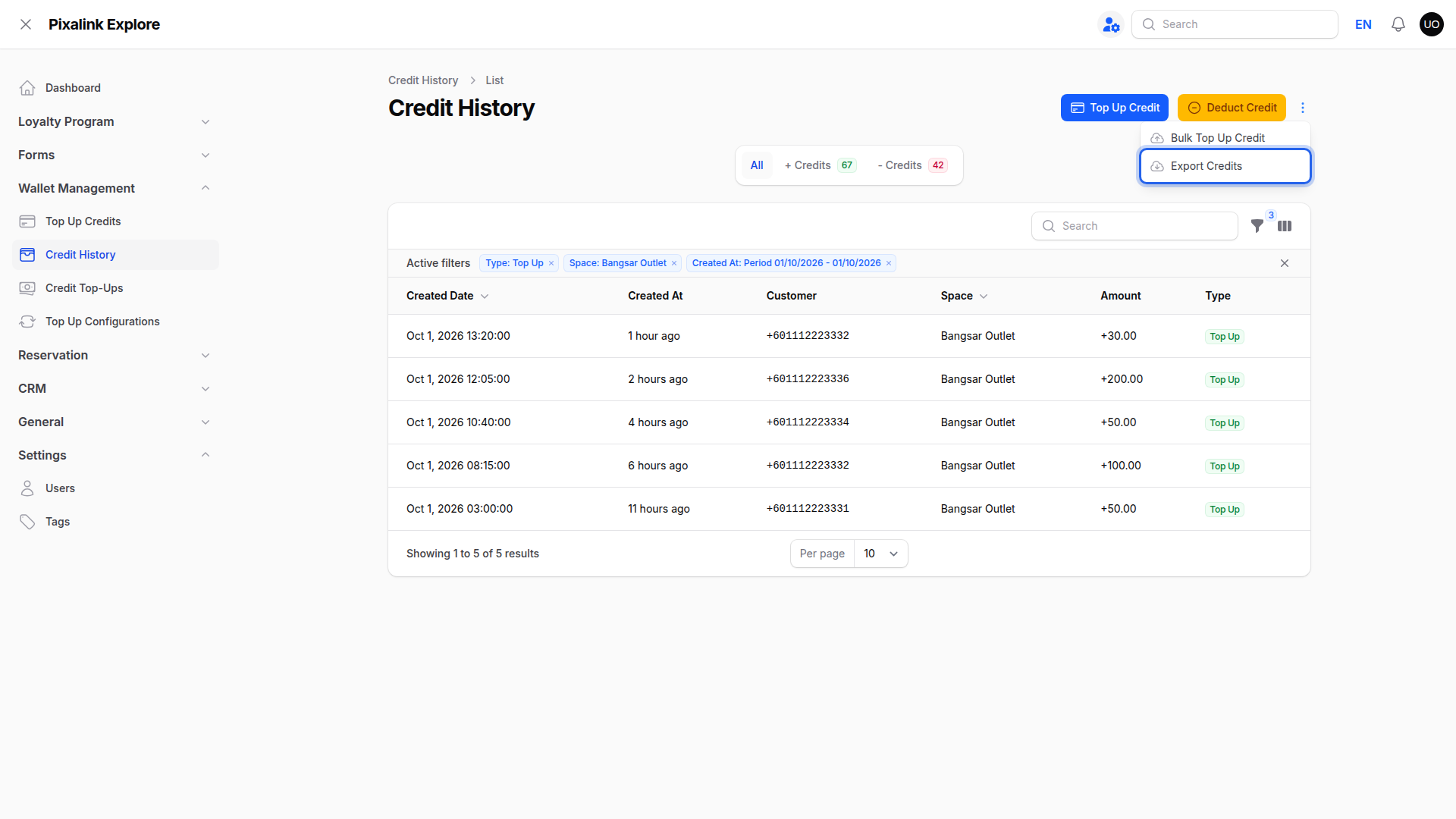
Click the ⋮ menu at the top right and choose Export Credits.
-
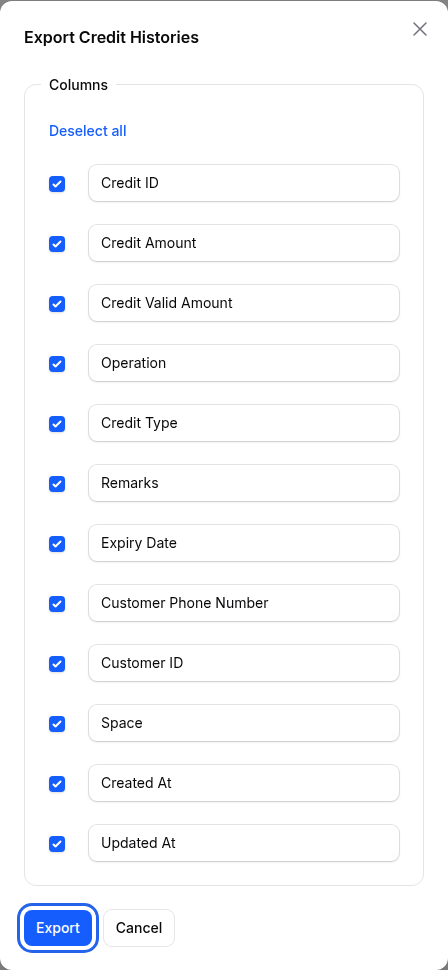
Keep the columns you need ticked and click Export.
-
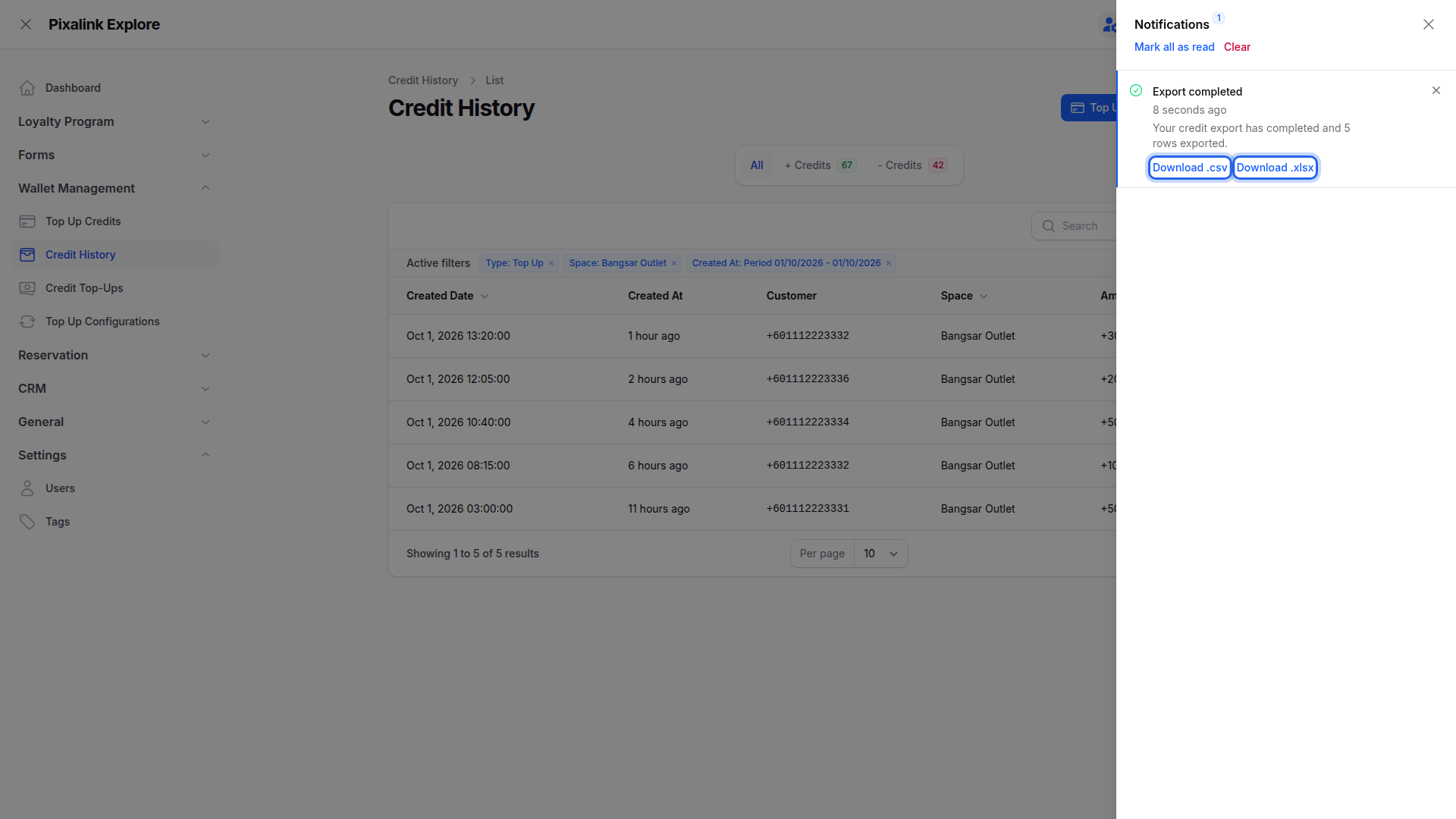
Open the bell icon when Export completed appears, then click Download .csv or Download .xlsx.
-
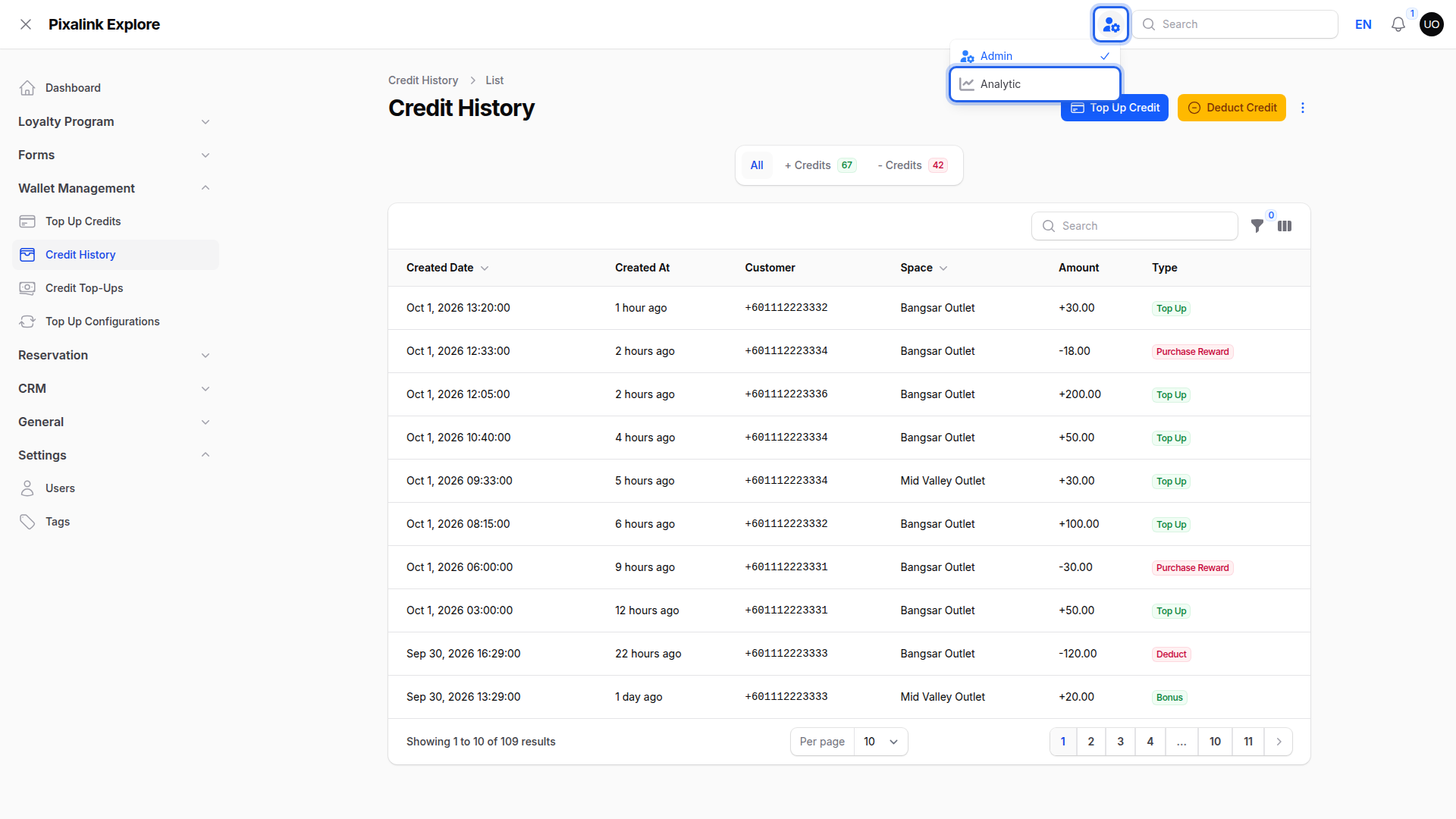
Click the panel switch icon in the top bar and choose Analytic.
-
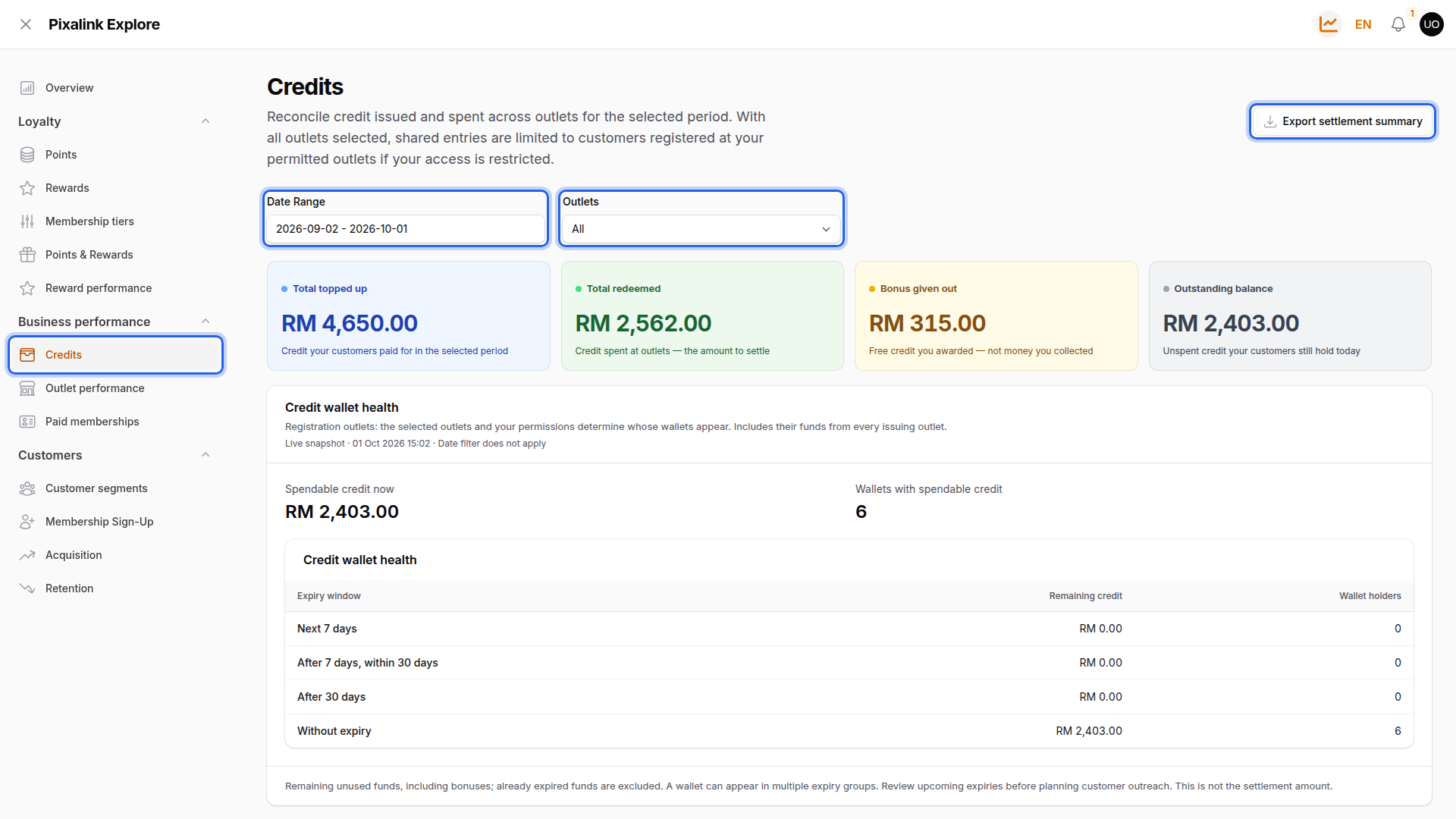
Go to Business performance → Credits, then set Date Range and Outlets.
-
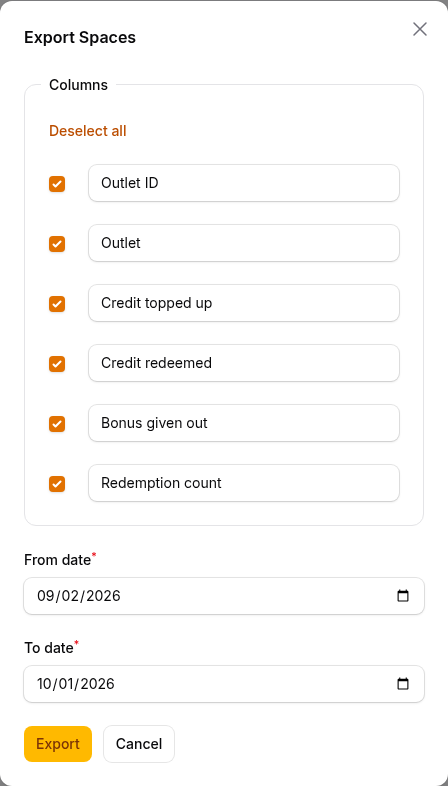
Click Export settlement summary, check From date and To date, and click Export.
What the Credits Dashboard Tells You
- Total topped up is credit customers paid for. Bonus given out is free credit, not cash collected.
- Outstanding balance and Credit wallet health show unspent credit right now. The date filter doesn't apply.
- Top-up / Bonus contribution by outlet shows each outlet's share when Outlets is All, plus an Unassigned / Online slice for credit not linked to an outlet.
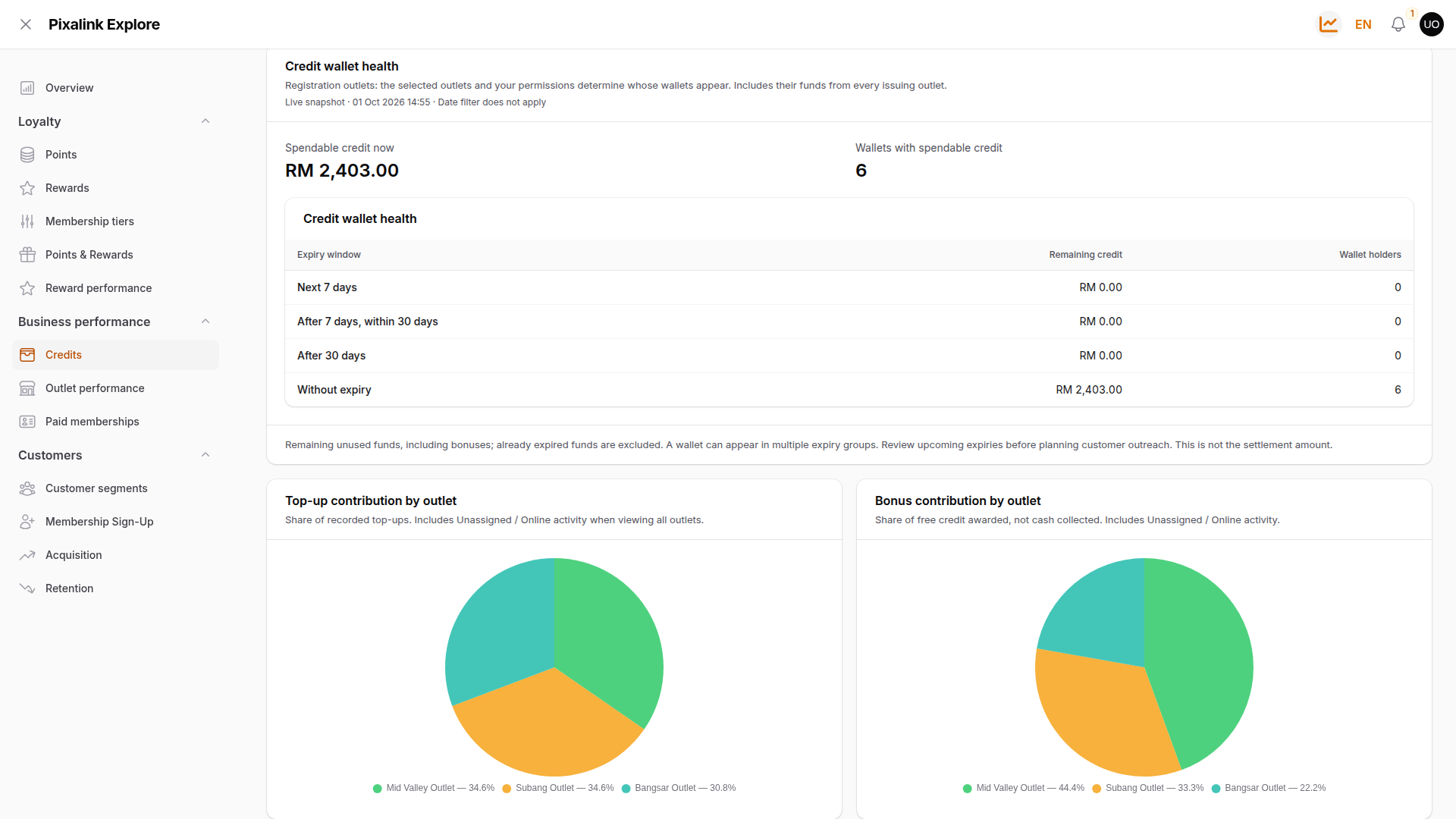
The settlement summary has one row per outlet in your Outlets filter, with credit topped up, redeemed, bonus and a Redemption count. Credit not linked to an outlet isn't included, so totals can be lower than the dashboard.
Credit History vs Credit Top-Ups
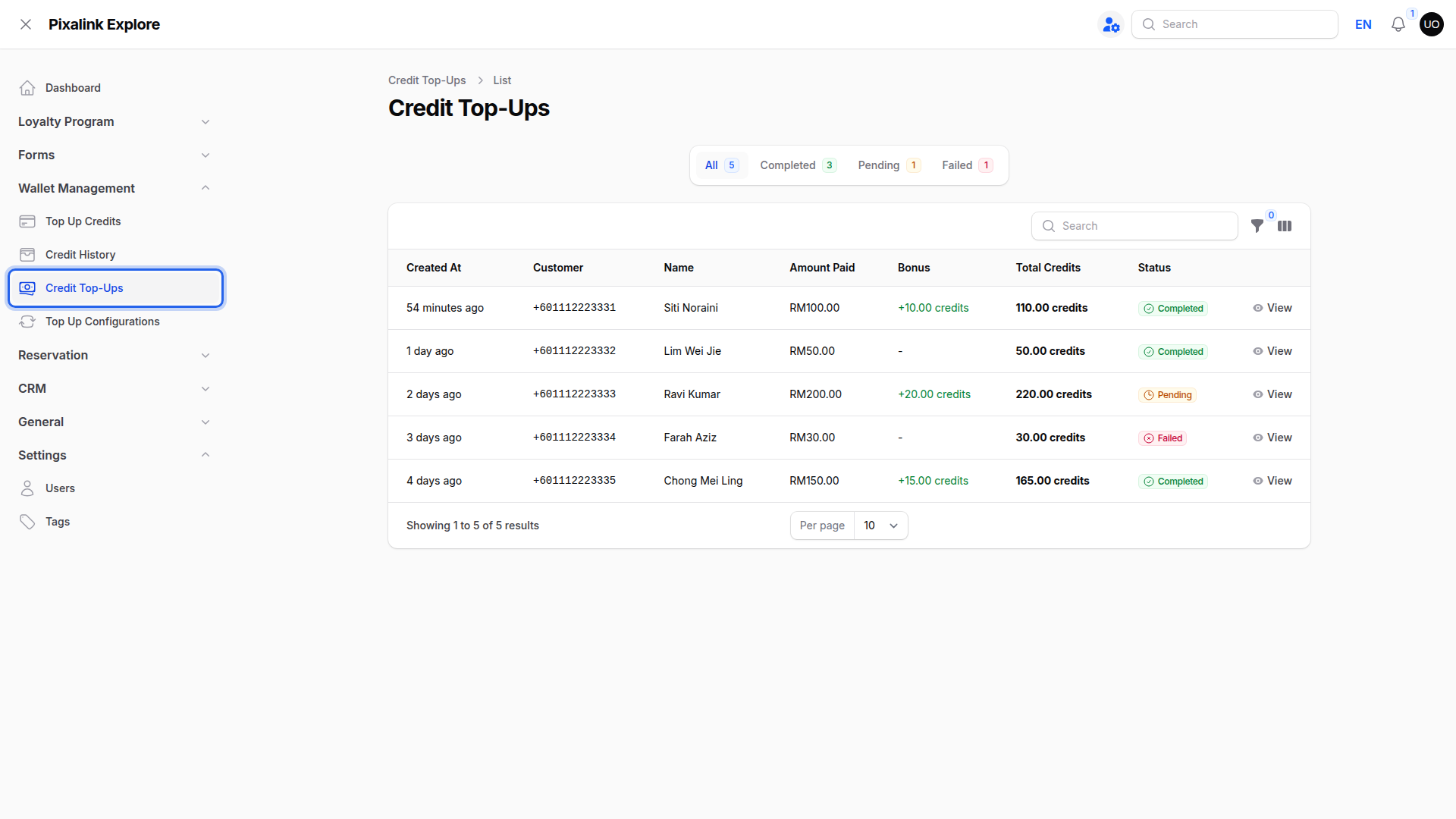
Credit History lists every credit movement. Expired credit is hidden unless you turn on the Expired entries filter. Credit Top-Ups lists only online top-ups (completed, pending and failed), with a Transaction ID under View. It has no export button and only appears if online top-ups are on.
What Your Customers Will See
Nothing changes for your customers. If New Credit Notification is on, each customer gets their own message when they top up.
Can Management Get an Email for Every Top-Up?
No. In Admin Panel → Settings → Configurations → Notification Settings → Credit, New Credit Notification goes to the customer only. The one staff alert, Credit Usage Notification, is sent when a customer uses credits to redeem a reward from your rewards list. It isn't sent for top-ups or manual deductions. To email staff, turn on its Email channel and list addresses under Send the email to. Include your own address if you still want a copy. For shift tallies, use the daily export.
Notification Settings appears under Configurations only after a WhatsApp number is connected.
Good to Know
- The export uses the filters and search you have on screen.
- Online, POS and imported top-ups also show as Top Up. Their Remarks usually say where they came from, for example "Credit top-up via payment gateway", but some POS systems leave Remarks blank. Check Remarks and the Space column together, and leave these top-ups out when you count the cash drawer.
- Created At filters whole days. Use the time in the file to split shifts.
- Amounts in the file are positive. The Operation column shows + for credit in and - for credit out.
- The Space column in the file shows the outlet's short web name, not its full name.
- The Space filter appears only if you have two or more outlets.
- If you don't see Analytic in the top bar, ask your account owner to check that your role can view the dashboard. If it's still missing, contact support to turn it on for your account.
Need Help?
Reach out to our support team. We're happy to help.