
How to Duplicate a Reward
How to Duplicate a Reward
What Is This?
Building a reward from scratch takes time. Duplication saves that time — copy any existing reward in seconds and get a ready-to-edit version without losing your original.
Everything carries over: the name, images, rules, and settings. The copy starts as inactive so you can adjust it before your customers see it.
Real-Life Example
Aishah runs a café and wants a festive version of her popular "Free Teh Tarik" reward for Chinese New Year. She clicks Duplicate, renames the copy "Free Teh Tarik — CNY Special", swaps in a festive image, sets an expiry date, and activates it. Done in under two minutes.
How to Set It Up
-
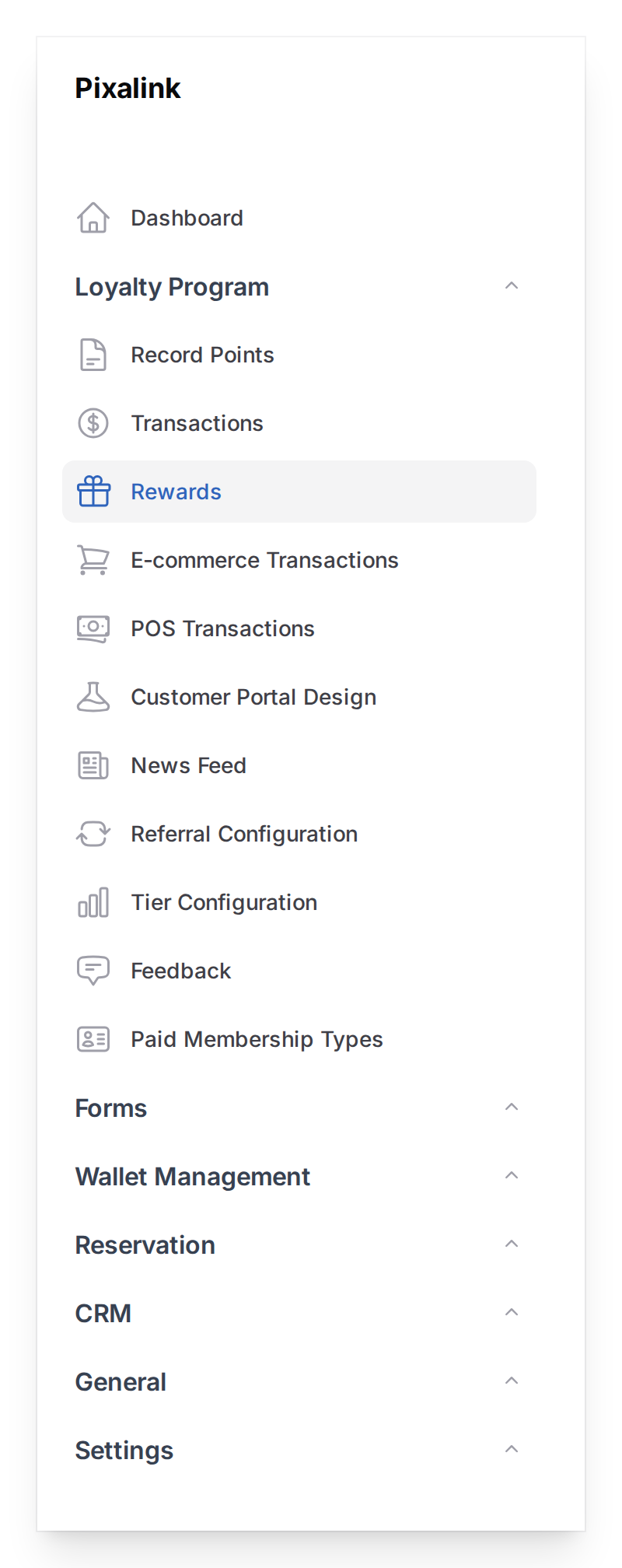
Go to Loyalty Program → Rewards in the left sidebar
-
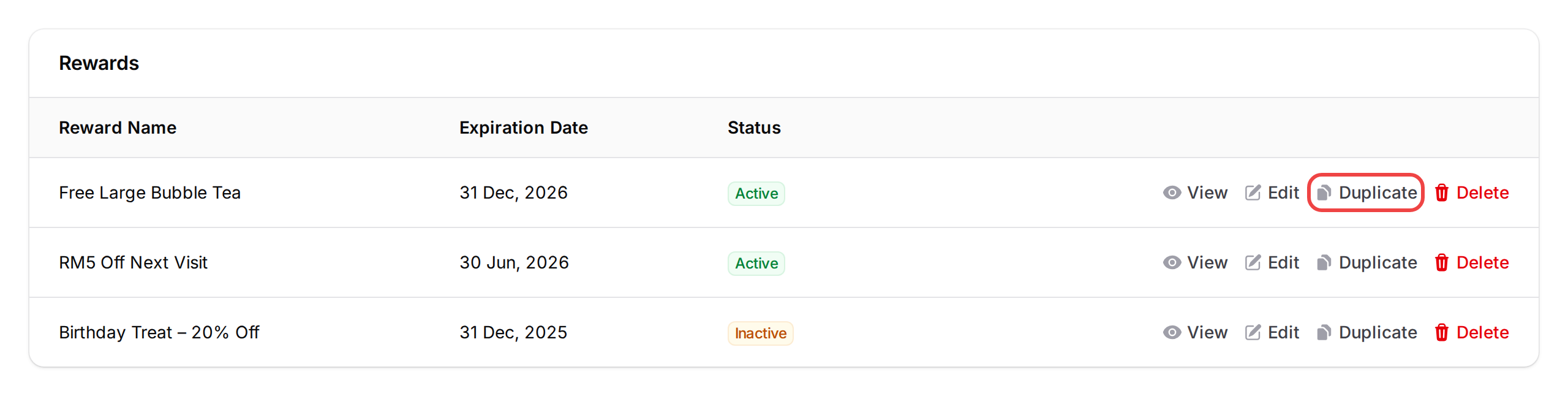
Find the reward you want to copy in the list, then click the Duplicate button (document icon) on the right side of its row
-
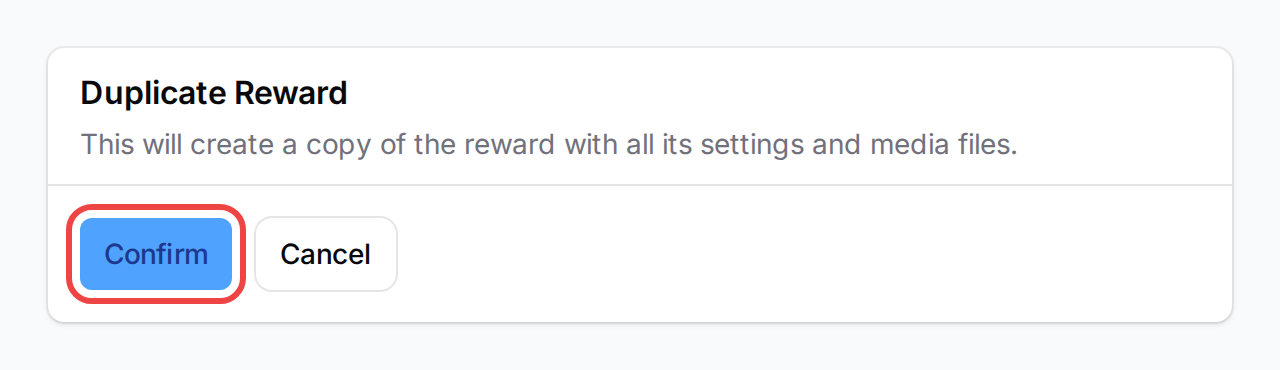
A confirmation modal appears: "Duplicate Reward" — "This will create a copy of the reward with all its settings and media files." Click Confirm
-
The copy appears at the bottom of the list with [Copy] added to its name and an Inactive status — open it to make your changes, then activate it when it's ready
![Rewards table showing four rows — three active rewards and a new [Copy] Free Bubble Tea row at the bottom with an Inactive badge](https://kb.pixalink.io/storage/240/reward-table-after-duplicate.png)
What Your Customers Will See
Nothing yet. The duplicated reward is always inactive when first created, so customers won't see it until you activate it.
Good to Know
- What gets copied: name (with "[Copy]" prefix), description, terms & conditions, point/credit requirements, expiry settings, redemption limits, automation rules, space assignments, cover image, and WhatsApp notification attachments
- What resets: active status (set to inactive), redemption count (reset to 0), marketplace visibility (turned off), and sort order (placed at the end of the list)
- Zeoniq POS users: the Zeoniq type code is cleared on duplication to avoid conflicts — assign a new unique type code to the copy before enabling Zeoniq on it
- The original reward is untouched — duplicating a reward never changes the original
- There's no limit on how many times you can duplicate a reward
What's Next?
- What Are Rewards and How to Create Them — create a reward from scratch instead
- How to Set Up Conditional Reward Distribution — add spending conditions to your reward
- How to Set Up New Customer Reward Automation — give new customers a reward automatically