
Members Sign-up vs Total Customers: What's the Difference?
What Is This?
The Membership Sign-Up report shows two numbers for each outlet. Members Sign-up is how many new customers joined in the dates you picked. Total Customers counts the customers currently assigned to that outlet, no matter when they joined.
Knowing the difference stops you from mixing up "how many joined this month" with "how big my list is".
How It Works
| Column | What it counts | Changes with Date Range? |
|---|---|---|
| Members Sign-up | Customers whose Joined at date falls between the start and end date you picked | Yes |
| Total Customers | Customers currently assigned to that outlet, excluding deleted customers | No |
| % of Sign-ups | That outlet's share of the new sign-ups in the period | Yes |
Where to find the report
The report lives in the Analytic panel. The panel switcher near your account name includes Analytic.
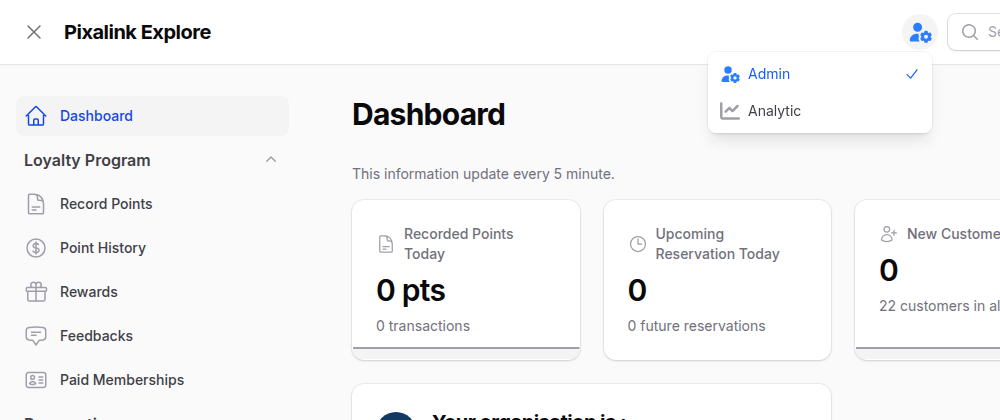
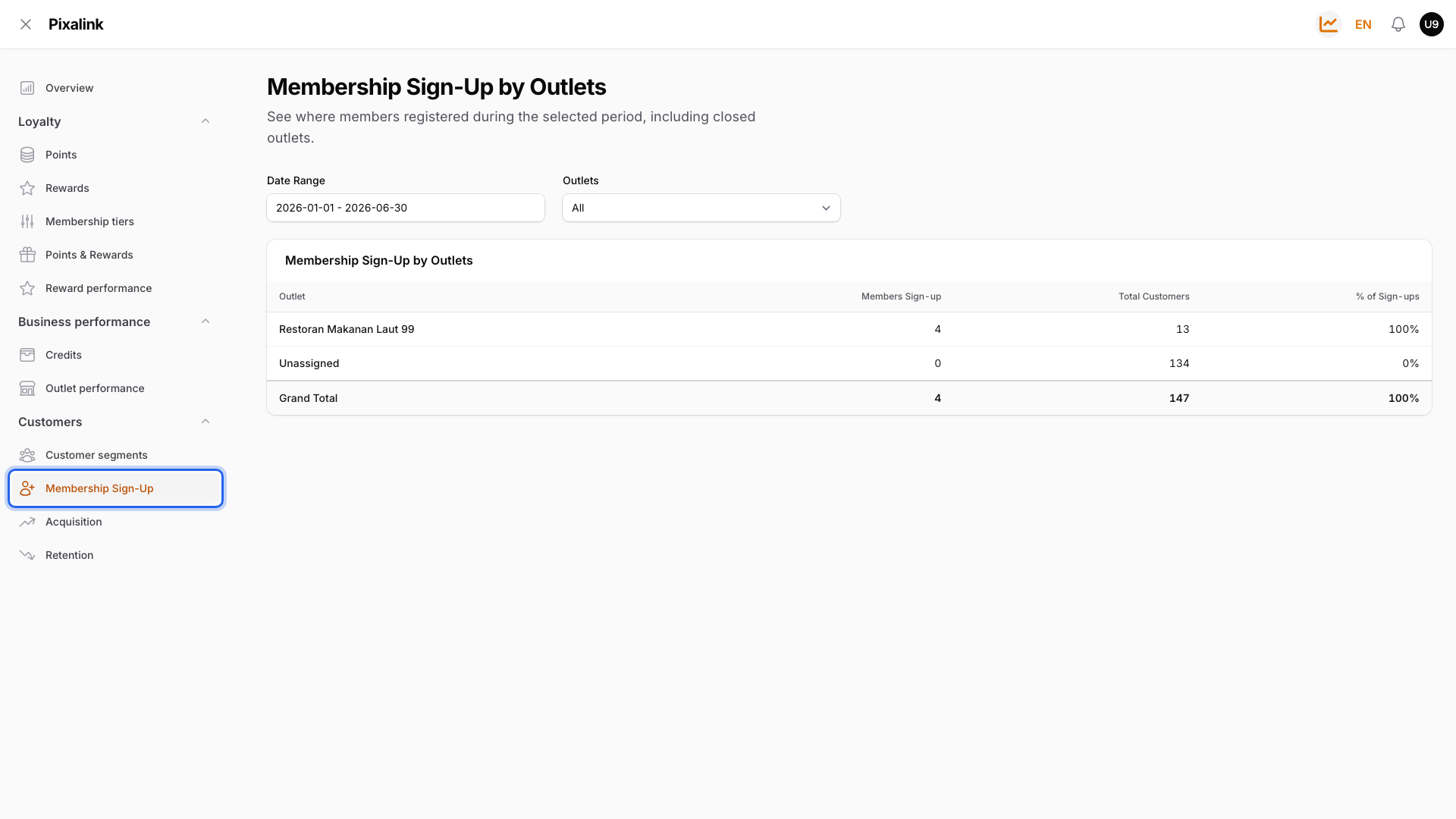
The report is under Customers → Membership Sign-Up.
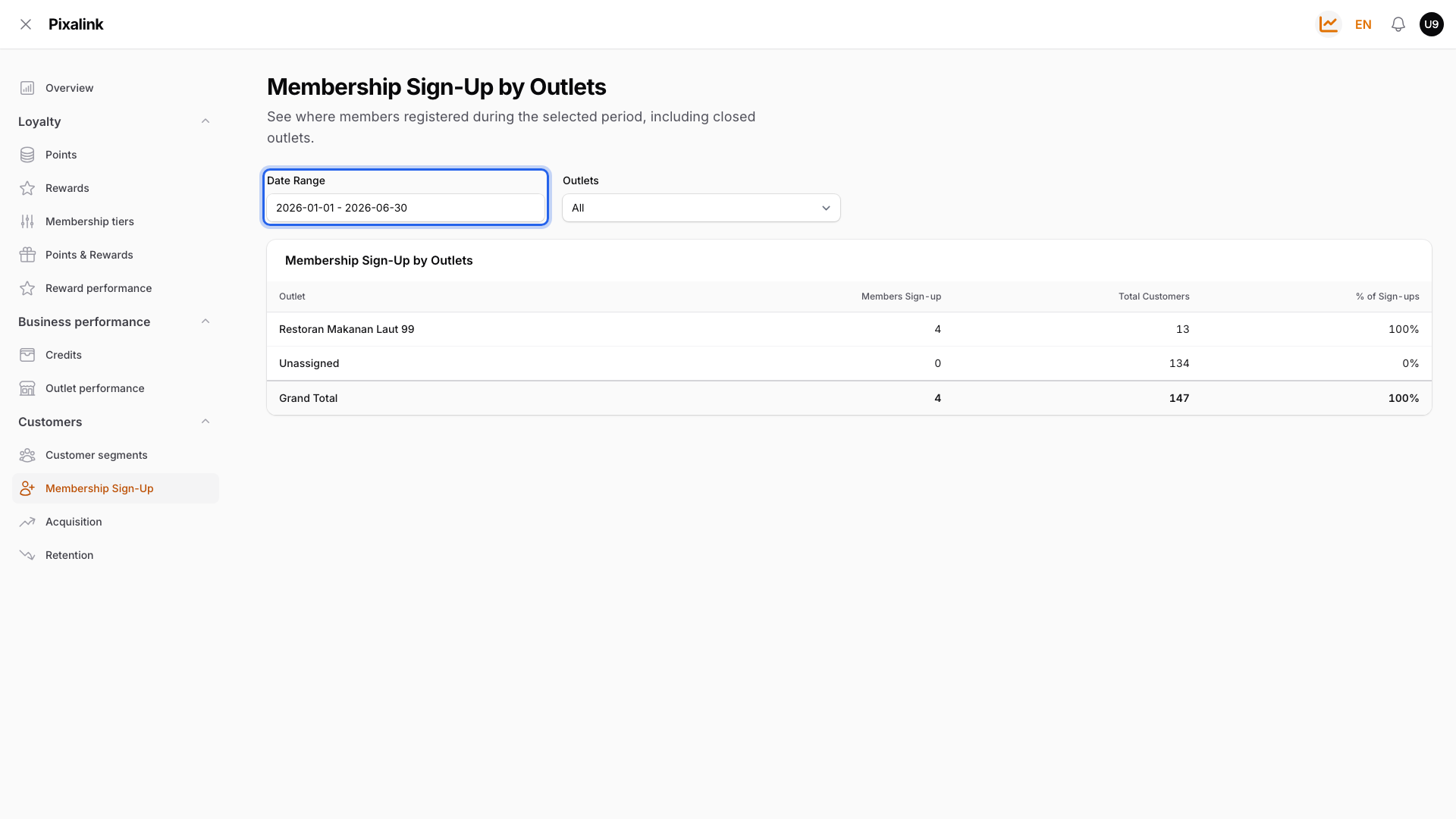
The filters at the top
Date Range controls the sign-up period. It shows the last 30 days when you first open it.
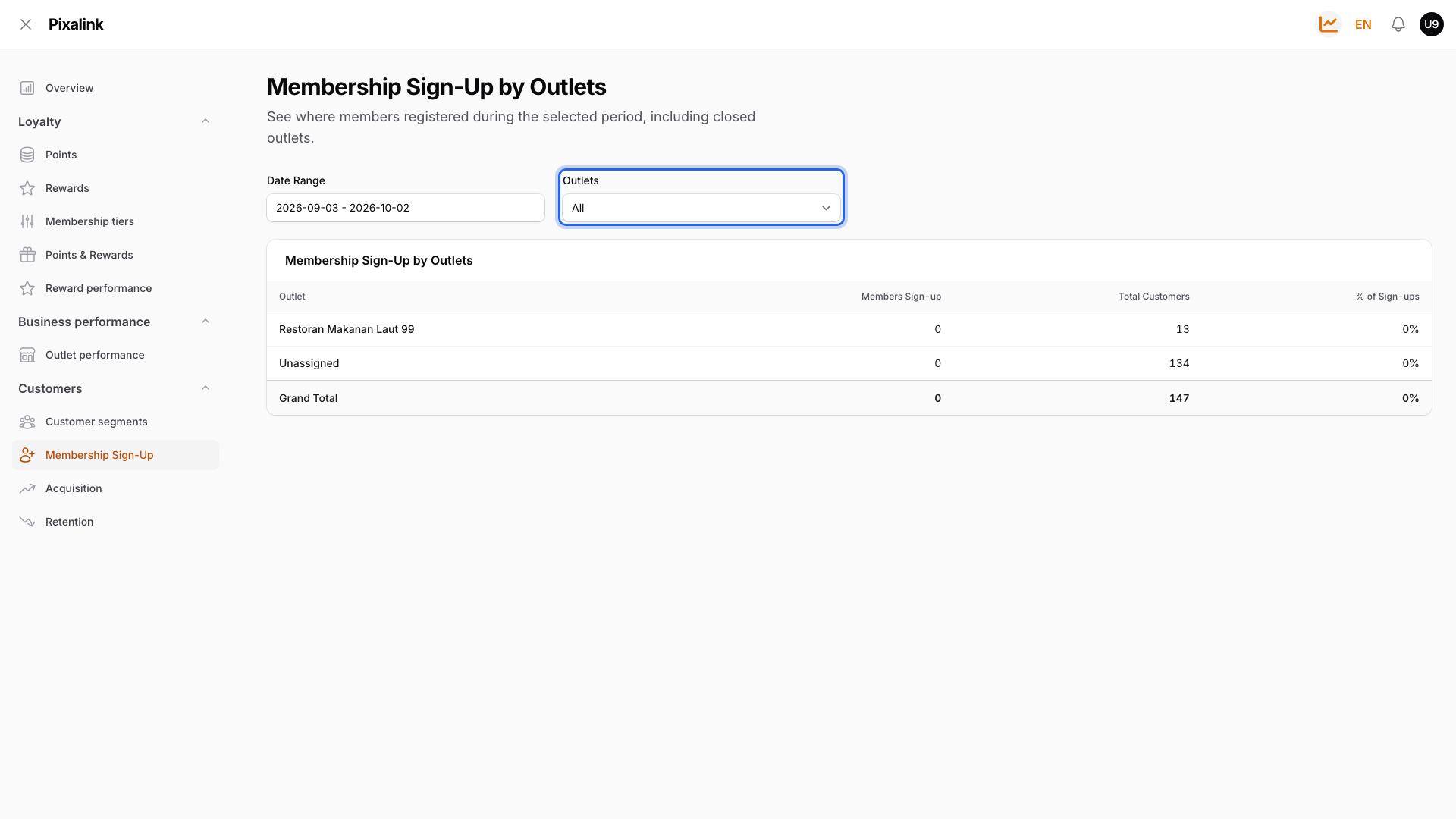
Outlets narrows the table to one outlet. Leave it on All to see every outlet.
Reading the table
Each row shows Members Sign-up beside Total Customers.
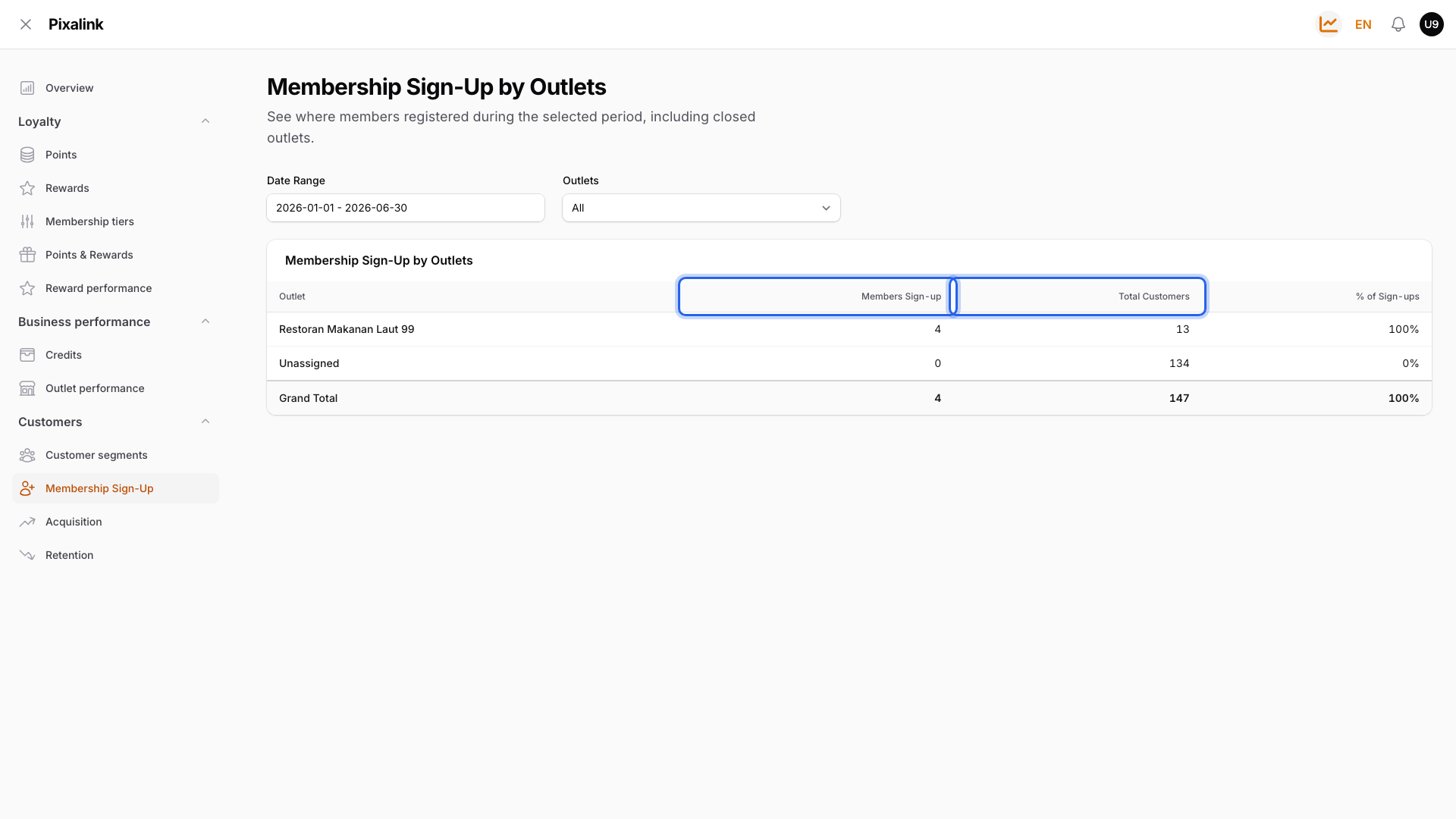
In the example above, the outlet had 4 new sign-ups between January and June, out of 13 customers in total. Across all rows, the Grand Total is 147 customers.
Real-Life Example
Wei Lin runs a café in Kota Damansara. She sets the date range to July and sees Members Sign-up: 120 and Total Customers: 2,300. She first thinks she lost customers.
Then she realises 120 is only July's new members. The 2,300 is her current customer list, including those 120 new members. Now she tracks the first number each month to see if her counter QR code is working.
Good to Know
Note
Total Customers includes the new sign-ups. It is never smaller than Members Sign-up.
- Every customer counts, not only portal sign-ups. Customers you add by hand, import, or create when you record points for a new phone number are counted too.
- Each customer counts under one outlet. It is the outlet saved on their profile today, so moving a customer moves them to another row.
- Deleted customers drop out of both numbers.
- Unassigned is customers with no outlet on their profile. It only shows when you look at all outlets.
- Closed outlets still appear if they have customers, so your Grand Total matches your full list.
Need Help?
If you don't see Analytic in the panel switcher, contact our support team to turn it on.