
Eats365 Automatic Credit Top-Ups — How Product Purchases Add to Your Wallet
Eats365 Automatic Credit Top-Ups — How Product Purchases Add to Your Wallet
What Is This?
Automatic credit top-ups let your customers add credit to their Pixalink wallet by purchasing specific products at your Eats365 POS — like a "RM50 Credit Pack". When a customer buys it, the matching credit is added to their wallet instantly. You can also set up bonus promotions so customers get extra free credit when they top up above a certain amount.
Video Walkthrough

Real-Life Example
Amirah runs a cafe using Eats365 POS. She creates three menu products: "RM30 Credit Pack", "RM50 Credit Pack", and "RM100 Credit Pack". Her regular customer Danish buys the RM100 pack at the counter. Amirah has set up a bonus: any top-up of RM100 or more gets an extra RM10. So Danish's wallet receives RM110 total. Next visit, he pays straight from his wallet.
How It Works
- Customer buys a top-up product — your cashier rings it up on the Eats365 POS like any other item.
- Pixalink matches the product — when the order closes, Pixalink finds the mapped credit item and calculates the amount (value x quantity).
- Credit is added — the top-up goes into the customer's wallet immediately. Bonus credit is added separately if a bonus level is met.
What Your Customers Will See
Your customer's wallet balance updates right away. If bonus credit was applied, it shows as a separate entry.
How Bonus Promotions Work
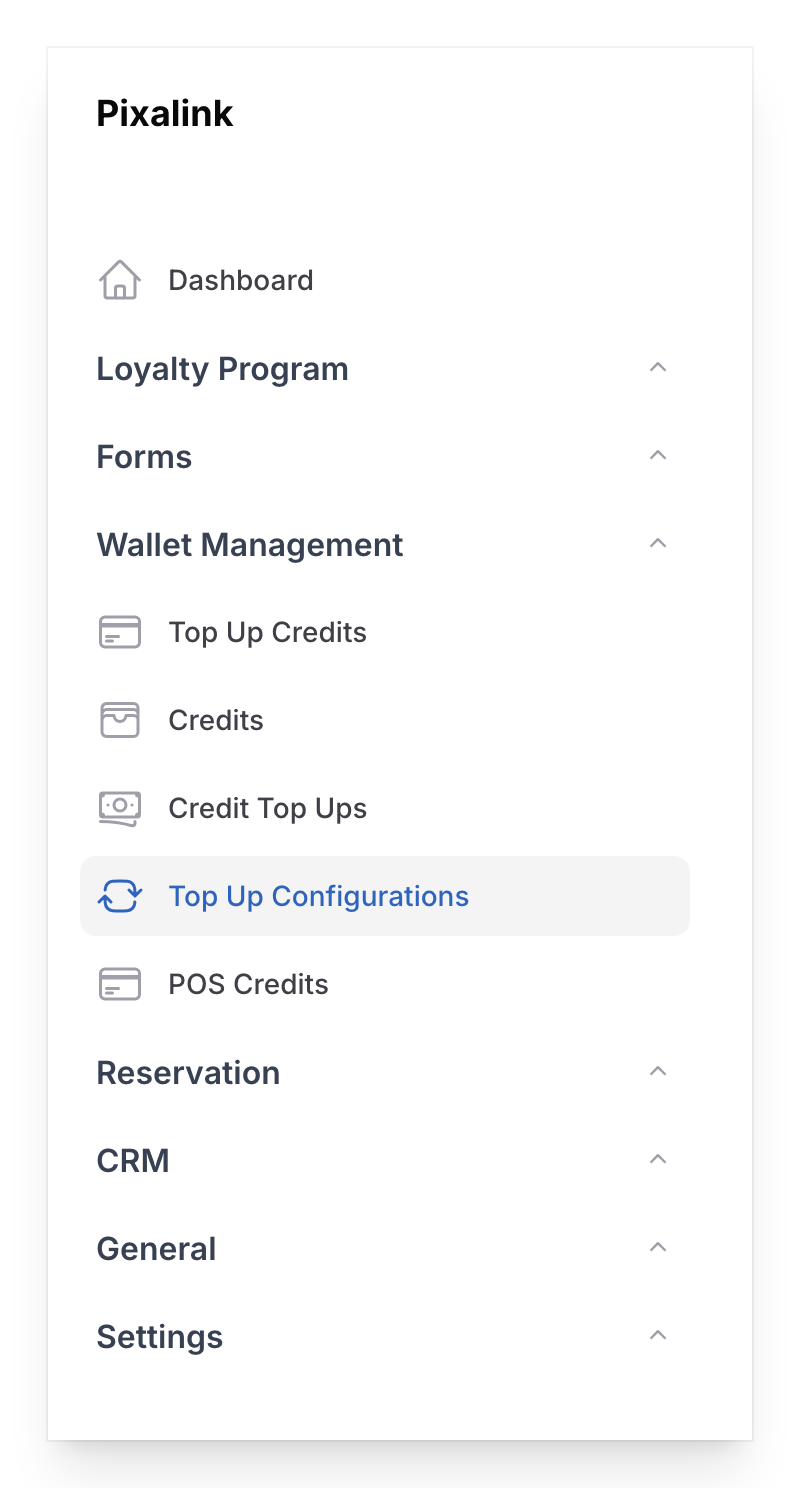
You set up bonus levels in Admin Panel → Wallet Management → Top Up Configurations:
| Top-Up Amount | Bonus Credit |
|---|---|
| RM50 or more | RM5 bonus |
| RM100 or more | RM10 bonus |
| RM200 or more | RM30 bonus |
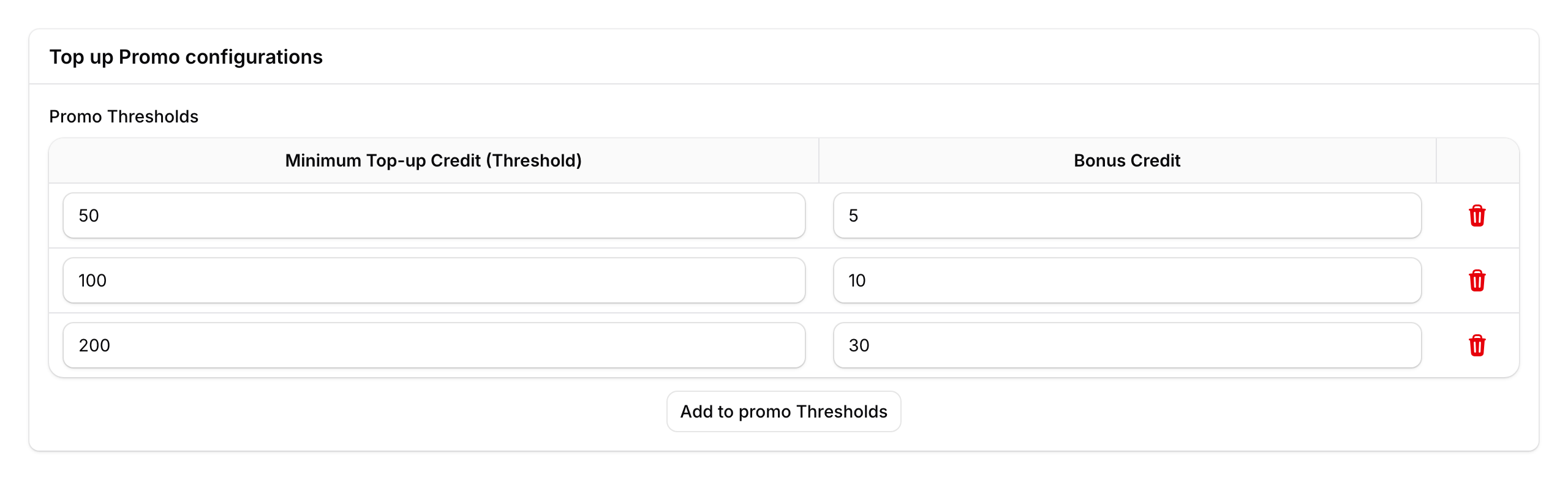
Only the highest matching level applies. If a customer tops up RM150, they get RM10 bonus (from the RM100 level), not RM5 + RM10.
What Happens on Void or Refund
If a top-up order is voided on the POS, both the top-up credit and any bonus credit are automatically reversed. Your staff just void the order as usual — Pixalink handles the wallet update.
Good to Know
- Products must be mapped first — top-up products need to be linked to credit amounts in the Space settings under the Eats365 section.
- Quantity matters — buying two "RM50 Credit Pack" items gives RM100 in credit. Bonus levels are checked against the total.
- Works across outlets — credit added at one branch is available at all your connected locations.
- Customer must be identified — the cashier needs to look up the customer on the POS before closing the order.
What's Next?
- Learn how customers spend their wallet balance at checkout