
Enable Shopify Store Credit
For vendors, Pixalink staff, and sales teams.
Shopify Store Credit lets customers convert their Pixalink credit wallet balance into native Shopify store credit, which they can spend at checkout on your Shopify store.
Prerequisite
The outlet must already be connected to Shopify through OAuth.
Activate the feature
-
Open Spaces and click Edit on the outlet connected to your Shopify store.

-
Open the Configurations tab.

-
Expand Shopify Integration.

-
Under Feature Settings, switch on Enable Shopify Store Credit.

-
Click Save changes.
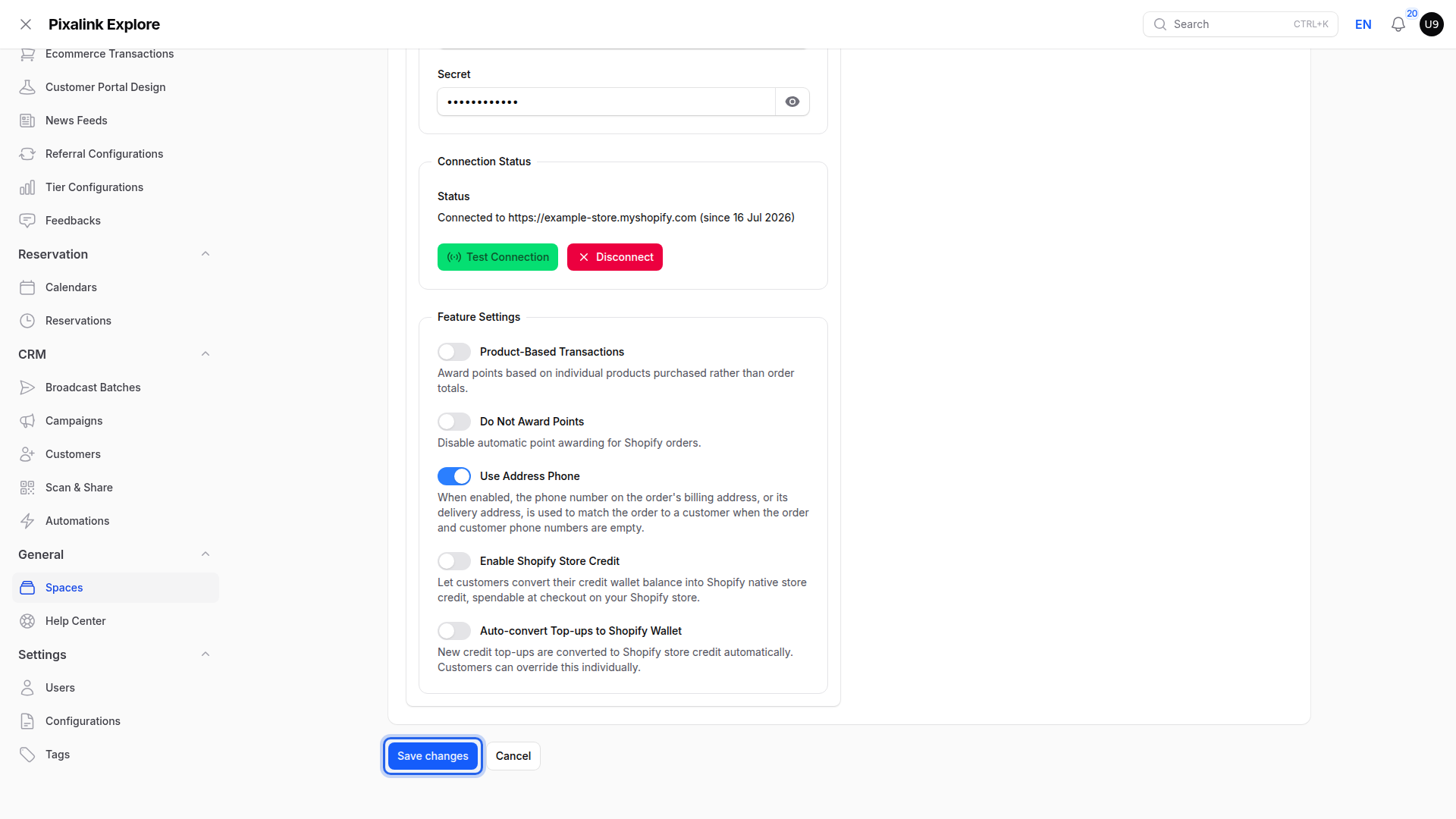
To convert new credit top-ups automatically, you can also enable Auto-convert Top-ups to Shopify Wallet.